


Would you like customers near you to easily find your business online? Learning how to register your business on Google Maps using a smartphone is one of the simplest and most effective ways to increase visibility for free.
Many small business owners think Google Maps registration is complicated or requires a computer. The truth is, you can complete the entire process using just your smartphone in a few minutes.

Once your business appears on Google Maps, customers can see your location, call you, get directions, and even visit your website, all without paying for ads.
In this step-by-step tutorial, you’ll learn exactly how to register your business on Google Maps using a smartphone, even if you’re a beginner.
This step-by-step video tutorial shows you exactly how to register your business on Google Maps using a smartphone, even if you’ve never done it before.
Please watch the full video tutorial included below, where I walk you through the process clearly and practically on my YouTube channel.
Prefer watching instead of reading?
FAQ
How do I register my business on Google Maps using a smartphone?
You can register your business on Google Maps using a smartphone by signing in to Google Business Profile, adding your business name, location, category, and verifying your business, all from your mobile device.
Is Google Maps’ business registration really free?
Yes. Google allows you to register your business on Google Maps completely free. There are no hidden charges or subscription fees.
Do I need a physical shop to register on Google Maps?
No. You can register a service-based business without a physical shop by selecting the option to serve customers at their locations.
How long does Google Maps verification take?
Verification can take a few minutes to several days, depending on the method Google offers (phone, email, or video verification)
Why is my business not showing on Google Maps?
Your business may not show immediately due to pending verification, incorrect address details, or incomplete business information.
Discover interesting posts
- How to Turn a Smartphone Into a Full-Time Income Machine: Step-by-Step Guide.
- Essential WordPress Security Tips to Protect Your Website Effectively
- How to build your first website using Elementskit for free
- WordPress Posts vs Pages: What’s the Difference and When to Use Each
- How to Write Your First WordPress Blog Post (Step-by-Step Beginner Guide)
Do you need a website for your small or big business? Then consider Regain Tech Concepts as your number one affordable web design agency, and for affordable training

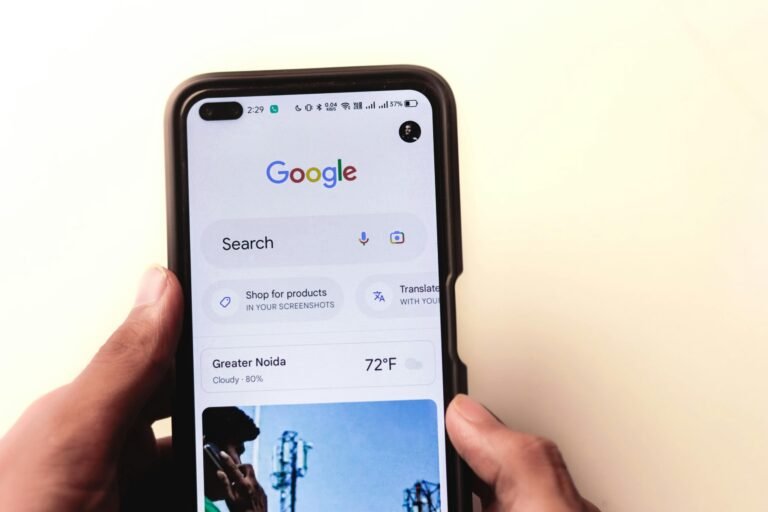


[…] How to Register Your Business on Google Maps Using a Smartphone (Free Step-by-Step Guide) […]
[…] How to Register Your Business on Google Maps Using a Smartphone (Free Step-by-Step Guide) […]
[…] How to Register Your Business on Google Maps Using a Smartphone (Free Step-by-Step Guide) […]