How to Make Your Android Phone Faster Without Installing Apps (Proven Tips)

How to make your Android phone faster without installing apps

Is your smartphone becoming slow, laggy, or unresponsive? Many users believe the only solution is to install “booster” apps, but that’s not always effective. In fact, the smartest way to make your Android phone faster without installing apps is by optimizing built-in system settings and removing performance bottlenecks.

In this guide, you’ll learn practical, safe, and proven methods to optimize your Android phone’s performance using tools already available on your device. Whether you’re using Samsung, Techno, Infinix, Xiaomi, or any other Android brand, these tips work universally.

Prefer Watching Instead of Reading?

Some users learn better visually. If you prefer watching instead of reading, we’ve created a step-by-step video tutorial demonstrating all these Android speed optimization techniques in real time.

Watch the full video tutorial here:
( Video coming soon )

Don’t forget to subscribe for more Android tips and digital skill tutorials.

Why Android Phones Become Slow Over Time

Android phones slow down for several reasons, including:

  • Too many background processes
  • Low internal storage
  • Old catched files
  • Heavy animations
  • Outdated software
  • Too many widgets and live wallpapers

Understanding these causes helps you fix the problem permanently.

Restart Your Phone Regularly (Simple but Powerful)

Restarting your Android phone:

  • Clears temporary memory (RAM)
  • Stop unnecessary background processes
  • Fixes minor system glitches

Tip: Restart your phone at least once a week to maintain optimal speed.

How to Run Ads with Meta Ads Manager for Lead & Traffic

Free Up Internal Storage Space

Low storage is one of the biggest reasons Android phones slow down.

Steps to free storage:

  • Go to Settings > Storage
  • Delete unused videos, screenshots, and documents
  • Clear WhatsApp media folders manually
  • Remove old downloads

Keep at least 20-25% free storage for smooth performance.

Restart the Android phone to improve performance

Clear Cache (Not App Data)

  1. Cache files help apps load faster, but too much cache causes lag.

How to clear cache

  • Settings > Apps
  • Select an App
  • Tap Storage
  • Tap Clear Cache (NOT Clear Data)

Do not clear data unless necessary

Reduce or Disable Animations

2. Animations make Android look smooth, but consume system resources.

Steps:

  1. Go to Settings > About Phone
  2. Tap Build Number 7 times (enable Developer Option)
  3. Go to Developer Options
  4. Set:
  • Window animation scale – 0.5x or Off
  • Transition animation scale – 0.5x or Off
  • Animator duration scale – 0.5x or Off

Result: Faster navigation and app opening.

Remove Unnecessary Widgets & Live Wallpapers

Widgets and live Wallpapers:

  • Consume RAM
  • Drain battery
  • Slow down performance

What to do:

  • Remove unused widgets from the home screen
  • Switch to static wallpaper
  • Use a simple home layout

Limit Background App Activity

Many apps run in the background without your knowledge.

Steps:

  • Settings > Apps
  • Select app
  • Battery > Restrict background usage

This reduces lag and improves battery life.
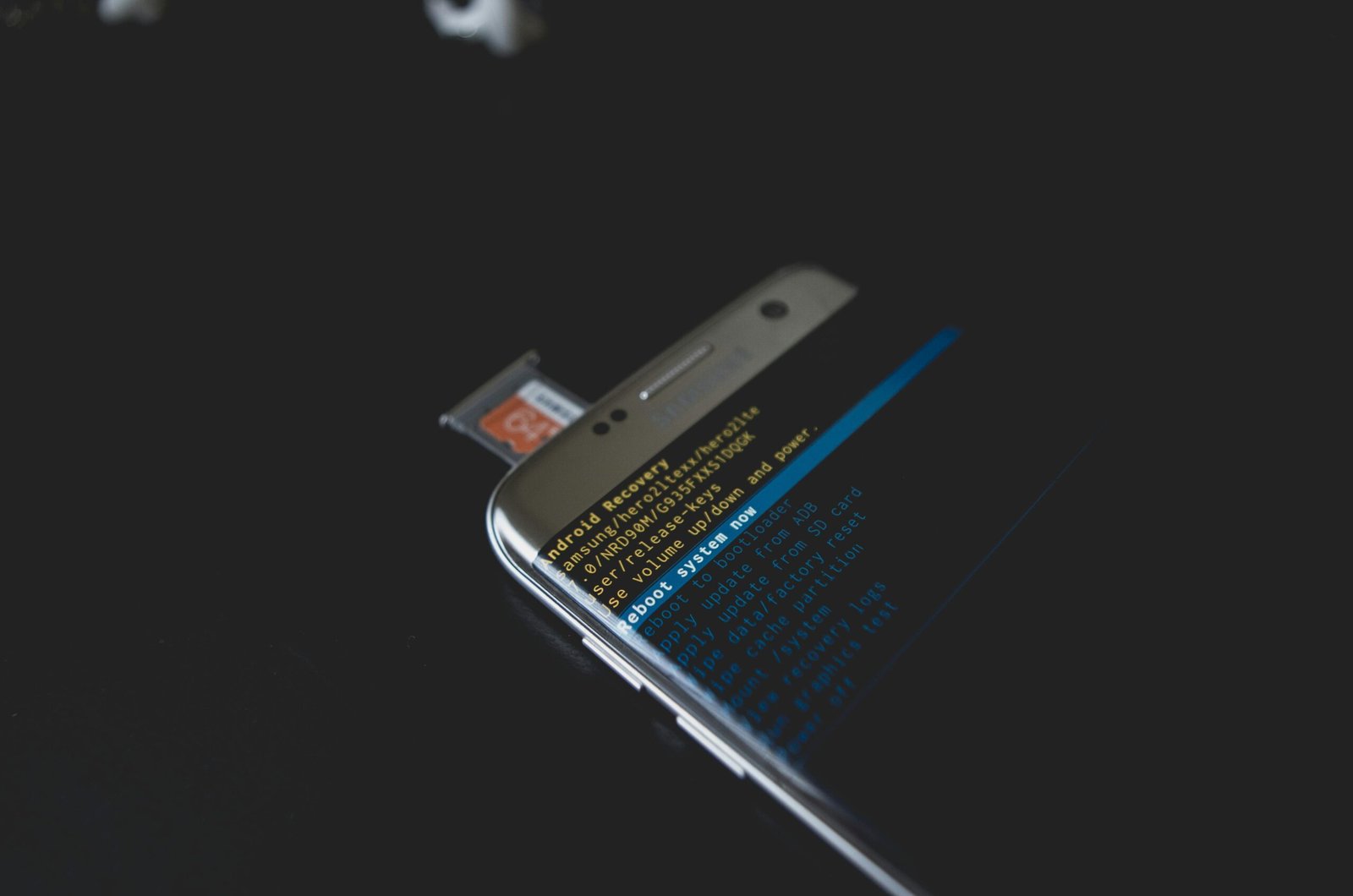
Clear Android cache safely

Update Android System Software

System updates often include:

  • Performance improvements
  • Bug fixes
  • Security patches

Go to Settings> Software Update and install the latest version.

Turn Off Auto-Sync for Unused Accounts

Constant syncing slows phones

Steps:

  • Settings > Accounts
  • Disable sync for unused Google or social accounts

FAQ

  1. Can I make my Android phone faster without apps?

    Yes. Using system settings like storage cleanup, animation reduction, and background restrictions is safer and more effective.

  2. Do phone booster apps really work?

    Most booster apps consume more RAM and show ads. Manual optimization is better.

  3.  How often should I clean my phone?

    Once every 2–3 weeks is ideal for maintaining performance.

  4. Will factory reset make my phone faster?

    Yes, but it should be the last option after backing up your data.

You don’t need third-party apps to speed up your device. By following these proven steps, you can easily make your Android phone faster without installing apps, improve battery life, and extend your phone’s lifespan.
Start with storage cleanup, reduce animations, limit background processes, and keep your system updated. These simple tweaks make a big difference.

Quick Links

		[{"id":1874,"link":"https:\/\/emerenini.com\/how-to-create-a-custom-contact-form-using-forminator\/","name":"how-to-create-a-custom-contact-form-using-forminator","thumbnail":{"url":"https:\/\/emerenini.com\/mejosom\/uploads\/2026\/02\/pexels-brettjordan-5444631.jpg","alt":"How to Design a High-Converting Contact Page with Elementor"},"title":"How to Create a Custom Contact Form Using Forminator","postMeta":[],"author":{"name":"Emerenini Maduabuchi","link":"https:\/\/emerenini.com\/author\/maduabuchiemereninigmail-com\/"},"date":"Feb 14, 2026","dateGMT":"2026-02-14 07:42:13","modifiedDate":"2026-02-14 08:42:15","modifiedDateGMT":"2026-02-14 07:42:15","commentCount":"0","commentStatus":"open","categories":{"coma":"<a href=\"https:\/\/emerenini.com\/category\/wordperss-tutorials\/\" rel=\"category tag\">WordPress Tutorials<\/a>","space":"<a href=\"https:\/\/emerenini.com\/category\/wordperss-tutorials\/\" rel=\"category tag\">WordPress Tutorials<\/a>"},"taxonomies":{"post_tag":"<a href='https:\/\/emerenini.com\/tag\/contact-page-design\/' rel='post_tag'>contact page design<\/a><a href='https:\/\/emerenini.com\/tag\/conversion-optimization\/' rel='post_tag'>conversion optimization<\/a><a href='https:\/\/emerenini.com\/tag\/elementor-contact-page\/' rel='post_tag'>Elementor contact page<\/a><a href='https:\/\/emerenini.com\/tag\/high-converting-contact-page-2\/' rel='post_tag'>high-converting contact page<\/a><a href='https:\/\/emerenini.com\/tag\/wordpress-contact-page\/' rel='post_tag'>WordPress contact page<\/a>"},"readTime":{"min":4,"sec":19},"status":"publish","excerpt":""},{"id":1861,"link":"https:\/\/emerenini.com\/how-to-design-a-high-converting-contact-page-with-elementor-step-by-step\/","name":"how-to-design-a-high-converting-contact-page-with-elementor-step-by-step","thumbnail":{"url":"https:\/\/emerenini.com\/mejosom\/uploads\/2026\/02\/pexels-david-besh-884788.jpg","alt":"How to Design a High-Converting Contact Page with Elementor"},"title":"How to Design a High-Converting Contact Page with Elementor (Step-by-Step)","postMeta":[],"author":{"name":"Emerenini Maduabuchi","link":"https:\/\/emerenini.com\/author\/maduabuchiemereninigmail-com\/"},"date":"Feb 7, 2026","dateGMT":"2026-02-07 15:42:30","modifiedDate":"2026-02-12 18:29:34","modifiedDateGMT":"2026-02-12 17:29:34","commentCount":"0","commentStatus":"open","categories":{"coma":"<a href=\"https:\/\/emerenini.com\/category\/wordperss-tutorials\/\" rel=\"category tag\">WordPress Tutorials<\/a>","space":"<a href=\"https:\/\/emerenini.com\/category\/wordperss-tutorials\/\" rel=\"category tag\">WordPress Tutorials<\/a>"},"taxonomies":{"post_tag":"<a href='https:\/\/emerenini.com\/tag\/contact-page-design\/' rel='post_tag'>contact page design<\/a><a href='https:\/\/emerenini.com\/tag\/conversion-optimization\/' rel='post_tag'>conversion optimization<\/a><a href='https:\/\/emerenini.com\/tag\/high-converting-contact-page\/' rel='post_tag'>high-converting contact page.<\/a><a href='https:\/\/emerenini.com\/tag\/wordpress-contact-page\/' rel='post_tag'>WordPress contact page<\/a>"},"readTime":{"min":4,"sec":22},"status":"publish","excerpt":""},{"id":1829,"link":"https:\/\/emerenini.com\/how-to-design-a-website-service-page-using-wordpress\/","name":"how-to-design-a-website-service-page-using-wordpress","thumbnail":{"url":"https:\/\/emerenini.com\/mejosom\/uploads\/2026\/02\/Screenshot-2026-02-03-073650.png","alt":"Service list"},"title":"How to Design a Website Service Page Using WordPress","postMeta":[],"author":{"name":"Emerenini Maduabuchi","link":"https:\/\/emerenini.com\/author\/maduabuchiemereninigmail-com\/"},"date":"Feb 3, 2026","dateGMT":"2026-02-03 16:50:48","modifiedDate":"2026-02-04 16:27:56","modifiedDateGMT":"2026-02-04 15:27:56","commentCount":"1","commentStatus":"open","categories":{"coma":"<a href=\"https:\/\/emerenini.com\/category\/wordperss-tutorials\/\" rel=\"category tag\">WordPress Tutorials<\/a>","space":"<a href=\"https:\/\/emerenini.com\/category\/wordperss-tutorials\/\" rel=\"category tag\">WordPress Tutorials<\/a>"},"taxonomies":{"post_tag":"<a href='https:\/\/emerenini.com\/tag\/service-page-design\/' rel='post_tag'>service page design<\/a><a href='https:\/\/emerenini.com\/tag\/website-services-page\/' rel='post_tag'>Website services page<\/a><a href='https:\/\/emerenini.com\/tag\/wordpress-for-beginners\/' rel='post_tag'>WordPress for beginners<\/a><a href='https:\/\/emerenini.com\/tag\/wordpress-service-page\/' rel='post_tag'>WordPress service page<\/a><a href='https:\/\/emerenini.com\/tag\/wordpress-website-design\/' rel='post_tag'>WordPress website design<\/a>"},"readTime":{"min":4,"sec":26},"status":"publish","excerpt":""}]	

One thought on “How to Make Your Android Phone Faster Without Installing Apps (Proven Tips)

Leave a Reply

Your email address will not be published. Required fields are marked *