


Elementor is one of the most popular WordPress page builders, allowing you to design professional websites without writing any code. Whether you’re building a blog, business website, or landing page, learning how to install Elementor on WordPress is one of the first steps toward creating a beautiful site.
In this beginner-friendly guide, you’ll learn exactly how to install, activate, and start using Elementor on your WordPress website using safe and recommended methods.
Watch Instead of Reading? Video Tutorial Available
If you prefer learning visually, we’ve created a step-by-step video tutorial that walks you through how to install Elementor on WordPress.
If you’d like a more promotional or casual tone, I can adjust it accordingly.
What Is Elementor?
Elementor is a drag-and-drop page builder plugin for WordPress. It allows you to visually design pages by dragging elements like text, images, buttons, and videos directly onto your page.
Key features include:
- Live visual editing
- Mobile-responsive designs
- Pre-designed templates
- Beginner-friendly interface
Getting Started With the WordPress Dashboard (Beginner’s Guide)
Why Use Elementor on WordPress?
Elementor makes website design faster and easier because:
- No coding skills required
- Works with most WordPress themes
- The free version is powerful
- Large community and tutorials
How to Design Header and Footer Using Kadence Theme
Resources
Web Design Class
Unlock the power of web design with Regain Tech Concepts’ WordPress training in Nigeria. Our no-code approach empowers beginners and aspiring professionals to build stunning, responsive websiteswithout writing a single line of code.
Requirements Before Installing Elementor
Before installing Elementor, make sure:
✔ You have a WordPress website
✔ You can access the WordPress admin dashboard
✔ Your theme is compatible (most are)
Popular compatible themes include:
- Hello Elementor
- Astra
- Kadence
How to Install a Theme on WordPress (Step-by-Step Guide)
How to Install Elementor on WordPress (Method 1 – Recommended)
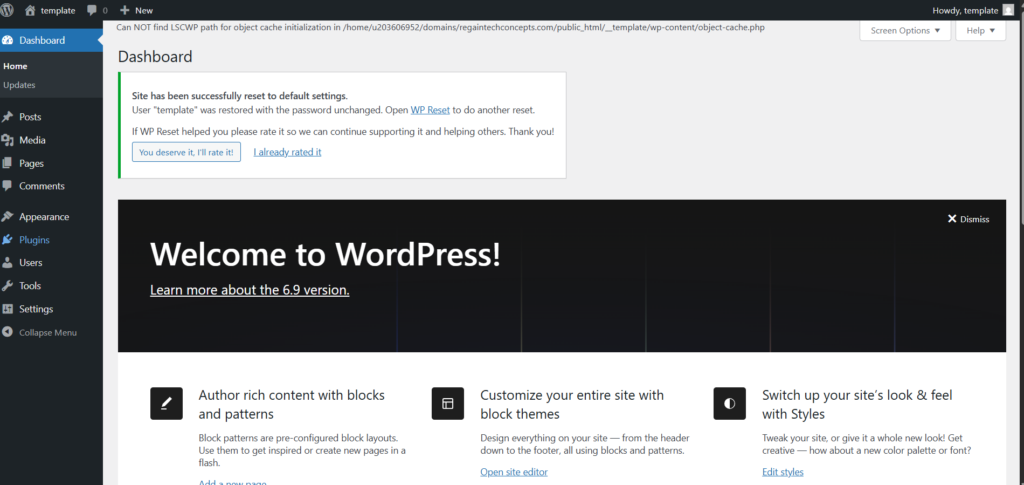
Step 1: Log in to WordPress Dashboard
Go to:
yourwebsite.com/wp-admin
Enter your username and password.
Step 2: Navigate to Plugins
From the left menu:
- Click Plugins
- Select Add New
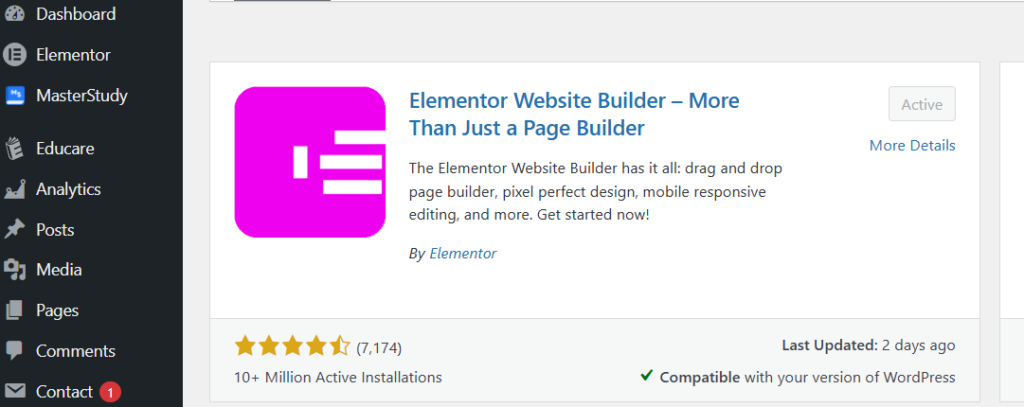
Step 3: Search for Elementor
In the search bar, type:
Elementor Website Builder
Step 4: Install and Activate
- Click Install Now
- Click Activate after installation
Once activated, Elementor is ready to use.
How to Install Elementor Manually (Method 2)
Use this method if plugin installation fails.
Steps:
- Download Elementor from wordpress.org
- Go to Plugins → Add New → Upload Plugin
- Upload ZIP file
- Click Install and Activate
How to Create Your First Page With Elementor
After installation:
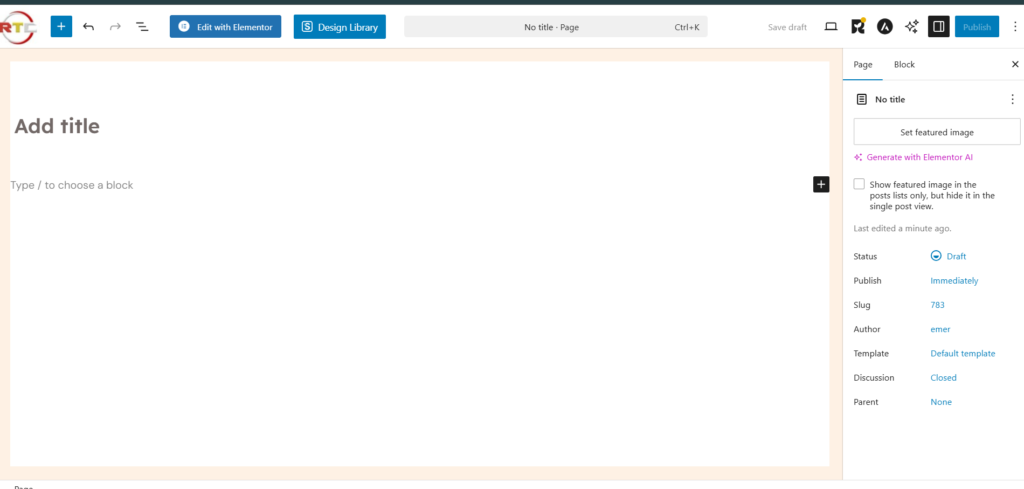
- Go to Pages → Add New
- Click Edit with Elementor
- Drag elements onto the page
- Customize text, images, and layout
- Click Publish
Elementor Free vs Elementor Pro
Elementor Free
✔ Basic widgets
✔ Responsive design
✔ Templates
Elementor Pro
✔ Advanced widgets
✔ Theme builder
✔ Popup builder
You can start with the free version and upgrade later.
Best Themes to Use With Elementor
For best performance, use lightweight themes:
- Hello Elementor
- Astra
- Kadence
- GeneratePress
Common Elementor Installation Issues
Elementor Not Loading?
Try:
- Updating WordPress
- Increasing PHP memory
- Disabling conflicting plugins
White Screen Error
- Switch to default theme
- Enable WordPress debug mode
Tips for Using Elementor Efficiently
✔ Use sections and columns properly
✔ Preview mobile view
✔ Save templates
✔ Avoid too many plugins
Is Elementor Safe and SEO-Friendly?
Yes. Elementor:
- Follows WordPress coding standards
- Generates clean HTML
- Works with SEO plugins like Rank Math
Resources
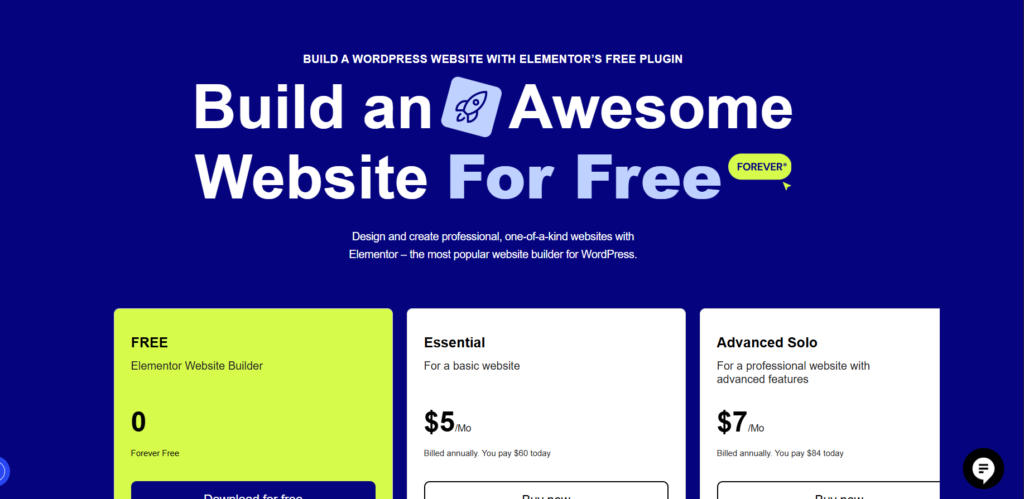
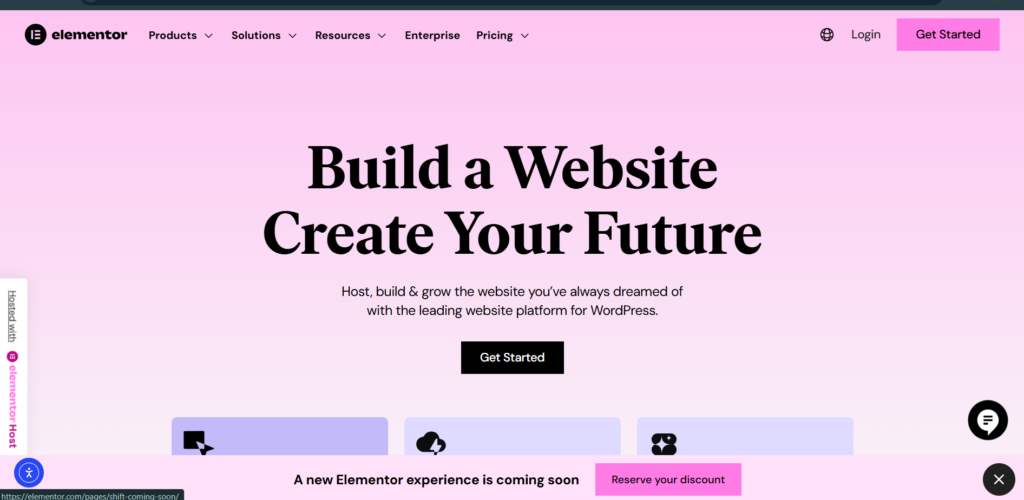
Elementor Official Website
Create high-performing WordPress sites with advanced drag-and-drop tools and professionally designed templates. Deliver pixel-perfect designs your clients will notice.
FAQs
-
Is Elementor free to install?
Yes. Elementor has a powerful free version.
-
Can I use Elementor with any theme?
Yes, but lightweight themes work best.
-
Does Elementor slow down WordPress?
Not if used correctly and optimized.
-
Do I need coding skills to use Elementor?
No. Elementor is 100% drag-and-drop.
Now you know how to install Elementor on WordPress and start building beautiful pages without coding. Elementor is perfect for beginners and professionals alike, making website design simple and flexible.
Install Elementor today and take full control of your WordPress website design.
Table of Contents
Quick Link
- How to Turn a Smartphone Into a Full-Time Income Machine: Step-by-Step Guide.
- Essential WordPress Security Tips to Protect Your Website Effectively
- How to build your first website using Elementskit for free
- WordPress Posts vs Pages: What’s the Difference and When to Use Each
- How to Write Your First WordPress Blog Post (Step-by-Step Beginner Guide)




[…] How to Install Elementor on WordPress (Beginner’s Step-by-Step Guide) […]
[…] How to Install Elementor on WordPress (Beginner’s Step-by-Step Guide) […]
[…] How to Install Elementor on WordPress (Beginner’s Step-by-Step Guide) […]
[…] How to Install Elementor on WordPress […]
[…] How to Install Elementor on WordPress (Beginner’s Step-by-Step Guide) […]
[…] How to Install Elementor on WordPress (Beginner’s Step-by-Step Guide) […]