

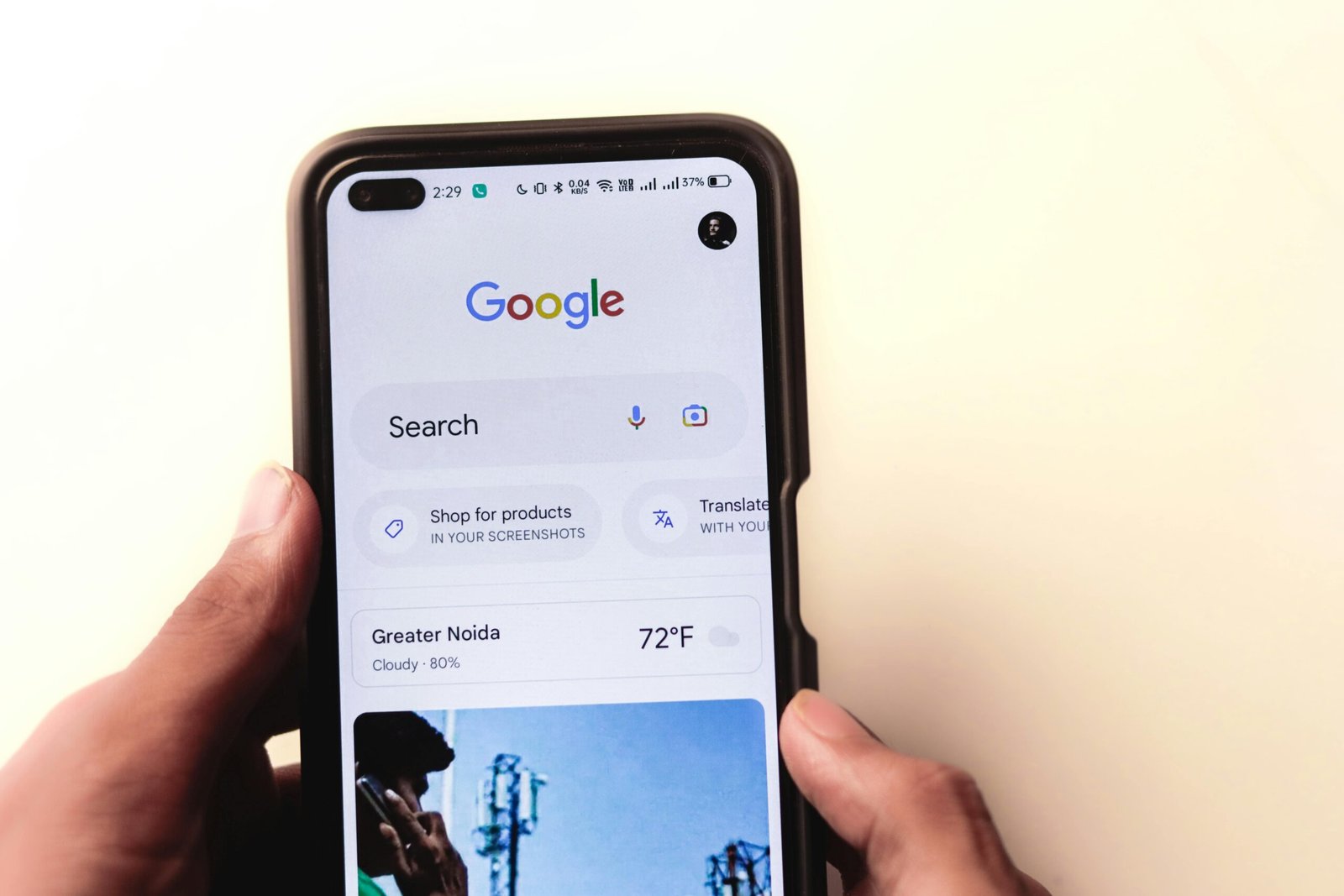
Learning digital skills is no longer optional in today’s online world. Whether you want to grow your career, start an online business, or improve your digital knowledge, Google offers high-quality training through its Skills.Google platform.
In this guide, you’ll learn how to enroll in free Skills. Google courses for free, explore available course categories, and understand how these certifications can boost your resume — all without paying a single dollar.
Watch the Video Tutorial
Prefer learning visually?
I’ve created a step-by-step video tutorial that shows how to enroll in Free Skills. Google Courses for Free
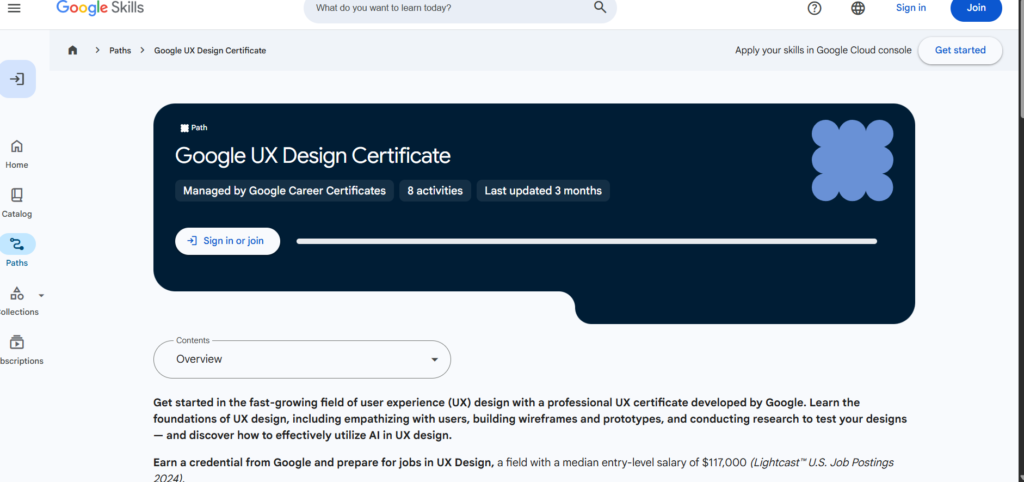
What Is Skills.Google?
Skills. Google is Google’s official learning platform that provides free online courses and certifications in digital skills. These courses are created by Google experts and trusted partners.
Skills.Google courses cover:
- Digital marketing
- Data and analytics
- Career development
- Business growth
- Technology basics
High-Income Digital Skills You Can Learn From Home
Are Skills.Google Courses Really Free?
Yes. Skills.Google courses are 100% free, including:
✔ Course access
✔ Learning materials
✔ Quizzes
✔ Certificates (for selected courses)
All you need is:
- A Google account
- Internet connection
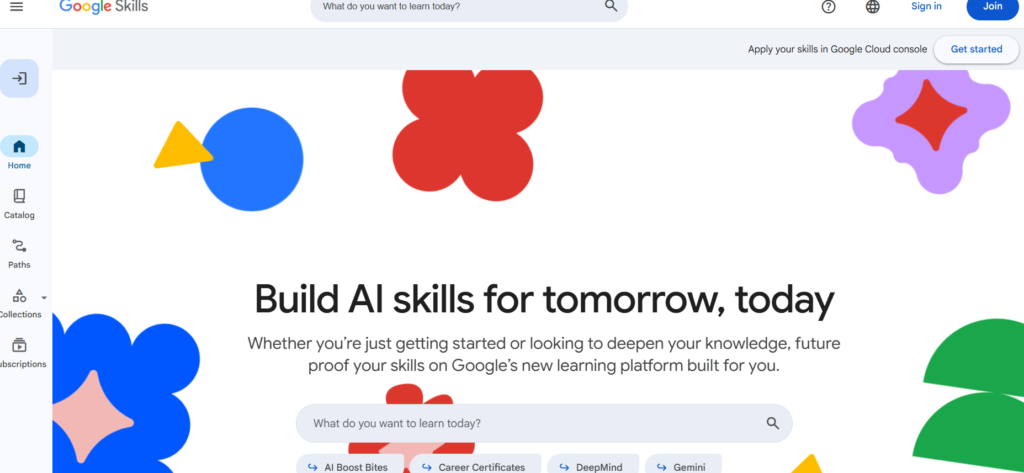
Benefits of Enrolling in Free Skills.Google Courses
Taking Google Skillshop courses helps you:
- Learn in-demand digital skills
- Earn certificates from Google
- Improve job opportunities
- Start freelancing or online business
- Learn at your own pace
How to Clean Text From Images & Translate Captions Free Complete Beginner Guide
How to Enroll in Free Skills.Google Courses for Free (Step-by-Step)
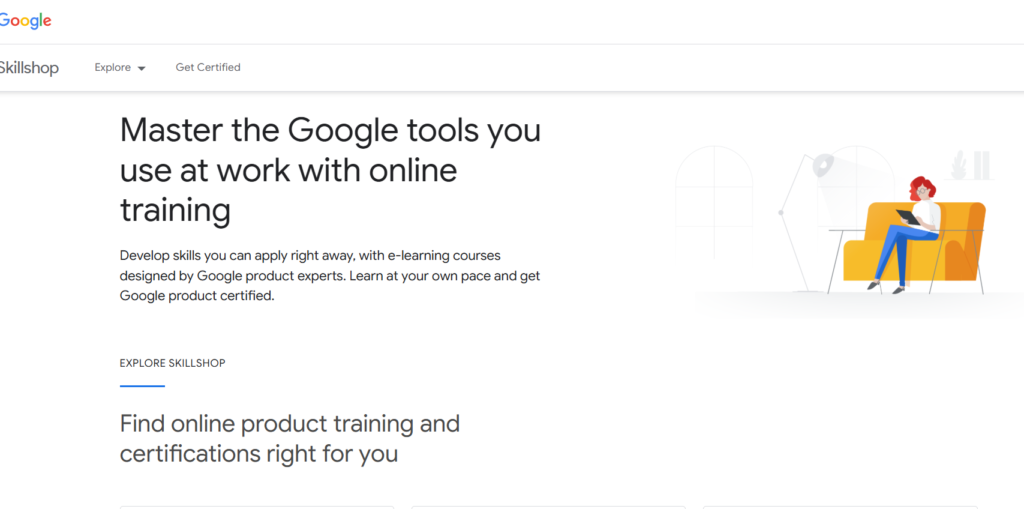
Step 1: Visit the Skills.Google Website
Open your browser and go to:
skills.google
You’ll see available learning paths and course categories.
Step 2: Sign In With Your Google Account
Click Sign In and log in using your Gmail account.
If you don’t have one, create it for free.
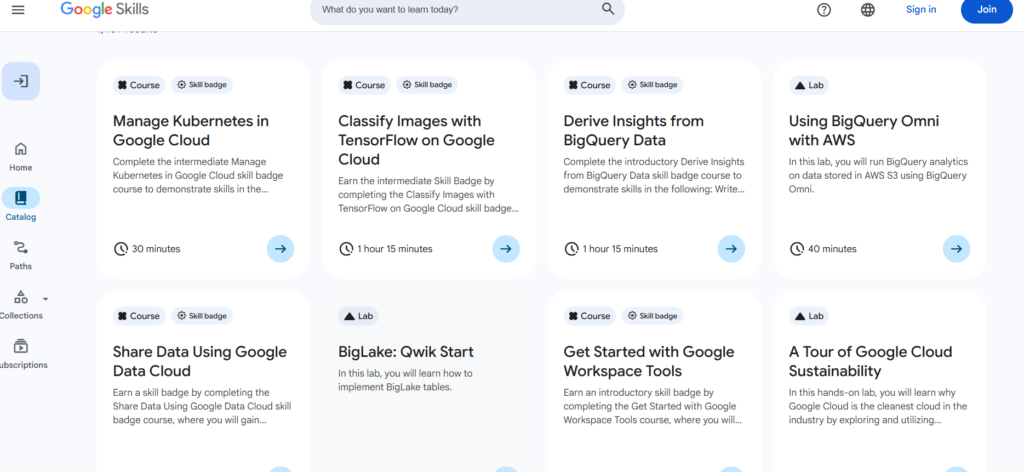
Step 3: Choose a Course or Learning Path
Browse courses by:
- Skill type
- Career goal
- Experience level
Popular options include:
- Fundamentals of Digital Marketing
- Google Analytics
- Google Ads
- Data Analytics Basics
Step 4: Click “Start Learning”
Once you select a course:
- Click Start or Enroll
- Begin lessons instantly
Most courses include videos, reading materials, and quizzes.
Step 5: Complete Lessons and Assessments
To earn certificates:
- Complete all lessons
- Pass required quizzes
You can pause and resume anytime.
Step 6: Download Your Certificate
After completion:
- Download certificate
- Share on LinkedIn
- Add to your CV or portfolio
Popular Free Skills.Google Courses You Should Try
Some top courses include:
- Fundamentals of Digital Marketing
- Google Ads Search Certification
- Google Analytics Certification
- Career Development Essentials
- Grow Your Business Online
Who Should Take Skills.Google Courses?
Skills.Google courses are perfect for:
✔ Students
✔ Job seekers
✔ Entrepreneurs
✔ Freelancers
✔ Bloggers & creators
No prior experience required.
Best Digital Skills for Freelancers
Skills.Google vs Other Free Learning Platforms
Skills.Google
✔ Official Google certifications
✔ Industry-recognized
✔ Beginner-friendly
Other Platforms
✔ Broader topic range
❌ Certificates may not be recognized
Tips to Complete Skills.Google Courses Faster
✔ Set daily learning goals
✔ Take notes
✔ Practice what you learn
✔ Complete quizzes immediately
✔ Use a desktop for a better experience
Common Mistakes to Avoid
❌ Skipping quizzes
❌ Not saving certificates
❌ Enrolling without finishing
❌ Using fake accounts
How to Learn Graphic Design Online (Tools, Skills, and Roadmap for Beginners)
Do Skills.Google Certificates Help With Jobs?
Yes. Google certificates:
- Improve credibility
- Show practical knowledge
- Strengthen resumes
- Help in freelancing and remote jobs
Employers value Google-backed certifications.
FAQs
Do I need to pay for Google Skillshop certificates?
No. Many certificates are completely free.
How long do Skills.Google courses take?
Courses range from a few hours to several weeks.
Can beginners enroll in Skills.Google courses?
Yes. Most courses are designed for beginners.
Are Skills.Google courses available worldwide?
Yes. They are accessible globally.
Now you know how to enroll in free Skills. Google offers free courses and start learning valuable digital skills without spending money. With Google’s trusted certifications, you can boost your career, start an online business, or improve your knowledge at your own pace.
Don’t wait, start learning today and invest in your future.
Table of Contents
Quick Links
- How to Turn a Smartphone Into a Full-Time Income Machine: Step-by-Step Guide.
- Essential WordPress Security Tips to Protect Your Website Effectively
- How to build your first website using Elementskit for free
- WordPress Posts vs Pages: What’s the Difference and When to Use Each
- How to Write Your First WordPress Blog Post (Step-by-Step Beginner Guide)


[…] How to Enroll in Free Google Skill Courses […]
[…] How to Enroll in Free Skills.Google Courses […]