


A professional website design starts with a well-structured header and footer. If you’re using the Kadence theme, you’re in luck, as it offers one of the most powerful and beginner-friendly header and footer builders in WordPress.
In this guide, you’ll learn how to create and customize the header and footer on a WordPress website using the Kadence theme, step by step. This tutorial is ideal for beginners who want complete control over their website layout without needing to code.
Watch the Video Tutorial
Prefer learning visually?
I’ve created a step-by-step video tutorial that shows how to design the header and footer using the Kadence theme directly inside the WordPress Customizer.
Why Use Kadence Theme for Customizing Headers and Footers?
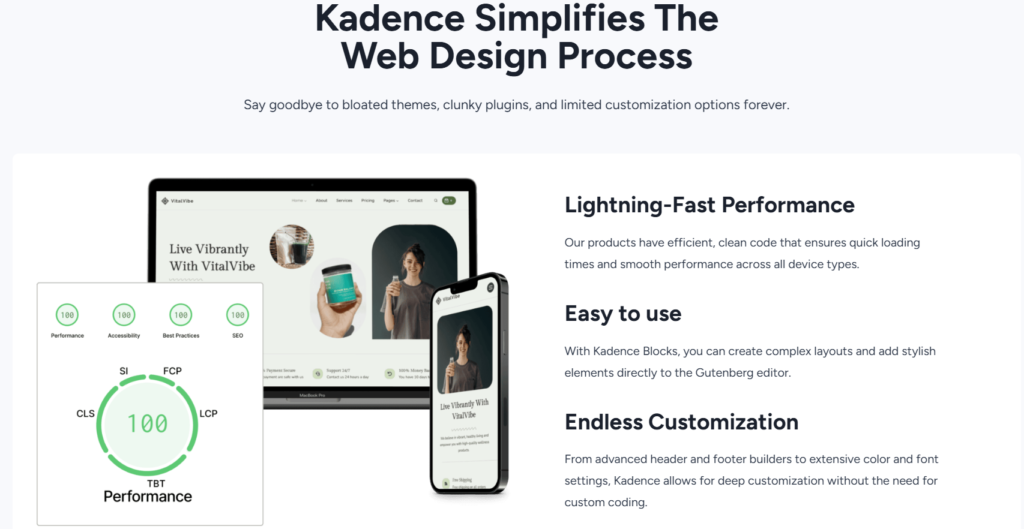
Kadence is a lightweight, fast, and SEO-optimized WordPress theme that includes a drag-and-drop header and footer builder.
Benefits of Kadence Theme
- Fast loading and SEO-friendly
- Built-in header and footer builder
- Mobile-responsive design
- Compatible with page builder
Getting Started With the WordPress Dashboard (Beginner’s Guide)
What Is a Header and Footer in WordPress?
Header
The header is the top section of your website. It usually contains:
- Logo
- Navigation menu
- Search bar
- Call-to-action button

Footer
The footer appears at the bottom of your website and often includes:
- Copyright text
- Footer menu
- Contact details
- Social media icons
How to Install and Activate Kadence Theme
Steps
- Go to Appearance > Themes > Add New
- Search for Kadence
- Click Install > Activate
How to Install a Theme on WordPress (Step-by-Step Guide)
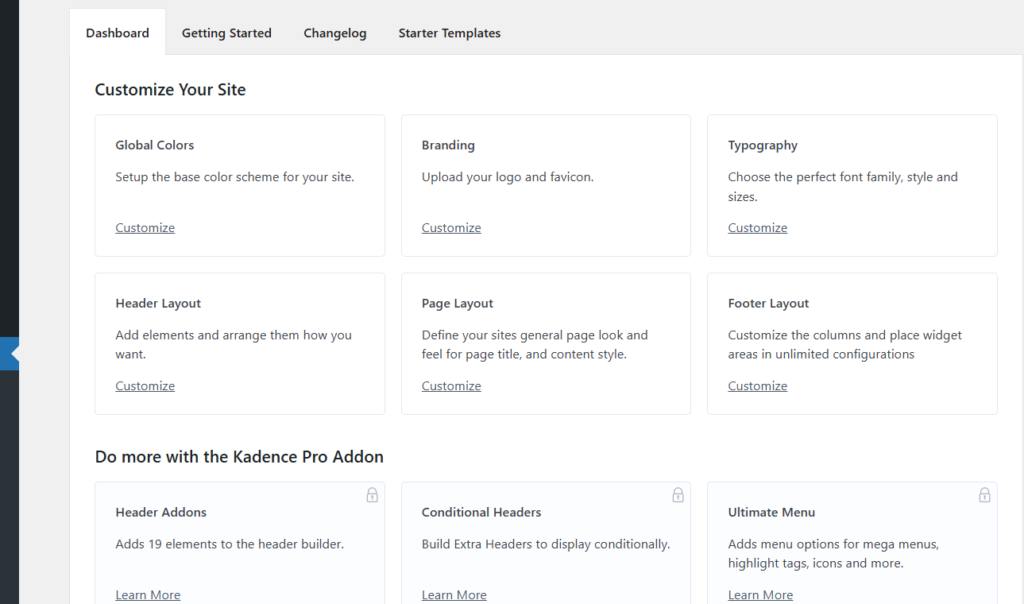
How to Access the Header and Footer Builder in Kadence
Kadence uses the WordPress Customizer for customization
Steps
- Go to Appearance > Customize
- Click Header or Footer
- The drag-and-drop builder will appear
How to Create and Customize a Header Using Kadence Theme
Step 1: Choose Header Layout
Kadence offer:
- Transparent header
- Sticky header
- Multiple row layouts
Select a layout that suits your website style.
Step 2: Add Header Elements
Using drag and drop, you can add:
- Logo
- Primary navigation menu
- Button
- Search icon
- Social icons

Step 3: Customize Header Design
You can adjust:
- Colors and background
- Font size and typography
- Spacing and alignment
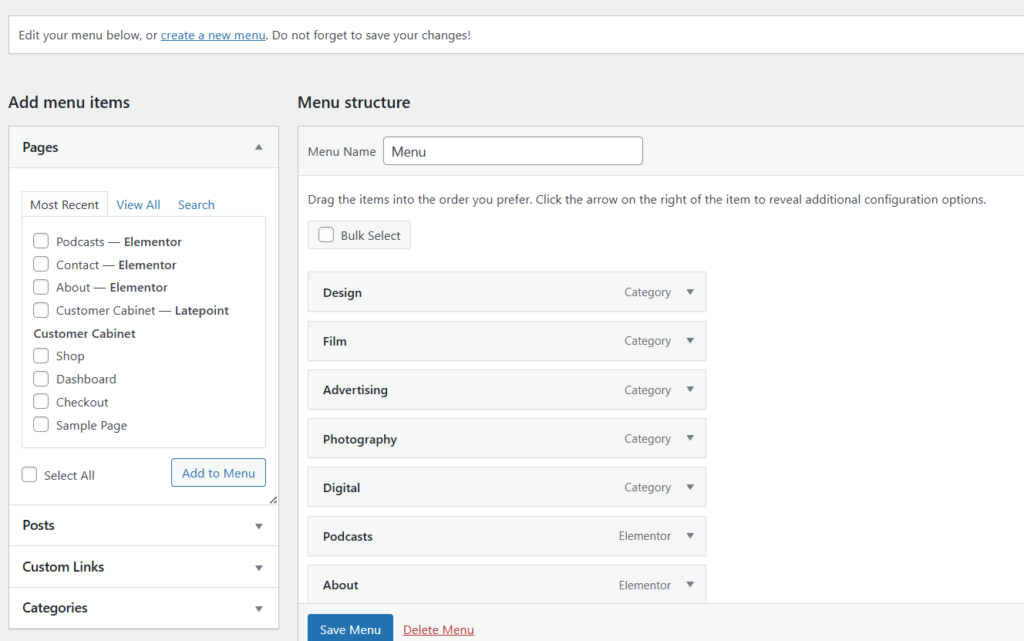
How to Create Pages and Menus in WordPress (Beginner Guide)
Step 4: Mobile Header Settings
Kadence allows separate mobile customization
- Enable mobile menu toggle
- Adjust logo size
- Hide/show elements on mobile
This improves user experience and SEO.
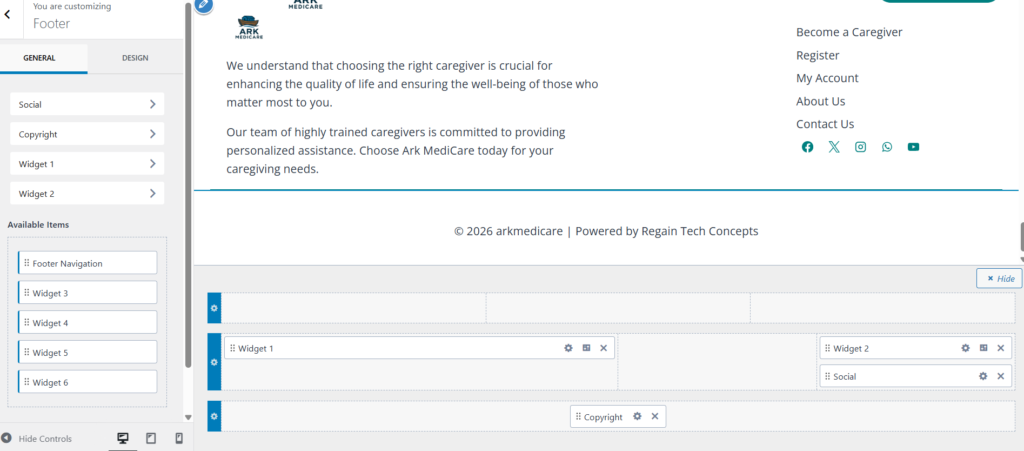
How to Create and Customize a Footer Using Kadence Theme
Step 1: Select Footer Layout
- One-column footer
- Multi-column footer
Choose based on your content needs
Step 2: Add Footer Elements
You can add:
- Footer navigation menu
- Text or copyright notice
- Widgets
- Social media icons
Step 3: Style the Footer
Customize:
- Background color
- Text color
- Font size
- Padding and spacing
Best Practices for Header and Footer Design
✔ Keep navigation simple
✔ Use readable fonts
✔ Add clear call-to-action
✔ Ensure mobile responsiveness
✔ Avoid clutter
Common Mistakes to Avoid
❌ Overloading header with too many items
❌ Ignoring mobile view
❌ Using unreadable colors
❌ Forgetting footer copyright
SEO Benefits of a Well-Designed Header and Footer
A properly designed header and footer:
- Improve user experience
- Reduce bounce rate
- Help search engines understand site structure
- Improve internal linking
Marketplace
FAQs
-
Do I need Kadence Pro to customizthe e header and footer?
No. The free version offers powerful customization options.
-
Can I create multiple headers and footers?
Kadence Pro allows advanced conditional headers and footers.
-
Will header and footer customization affect SEO?
Yes. Clean navigation improves crawlability and rankings.
Learning how to create and customize headers and footers on a WordPress website using the Kadence theme helps you build a professional, user-friendly, and SEO-optimized website.
Kadence makes customization simple, flexible, and beginner-friendly, perfect for bloggers, business owners, and developers.
Take your time to experiment, preview changes, and design a layout that reflects your brand.
Table of Contents
Quick Link
- How to Turn a Smartphone Into a Full-Time Income Machine: Step-by-Step Guide.
- Essential WordPress Security Tips to Protect Your Website Effectively
- How to build your first website using Elementskit for free
- WordPress Posts vs Pages: What’s the Difference and When to Use Each
- How to Write Your First WordPress Blog Post (Step-by-Step Beginner Guide)




[…] How to Design Header and Footer Using Kadence Theme […]
[…] How to Design Header and Footer Using Kadence Theme […]
[…] How to Design Header and Footer Using Kadence Theme […]