
Starting your first WordPress website is exciting but it can also feel overwhelming. Once WordPress is installed, you quickly realize that the core system alone isn’t enough. You need tools for security, SEO, performance, backups, and design.
That’s where plugins come in.
In this guide, we’ll walk through the essential WordPress plugins every beginner needs to build a secure, fast, and search-engine-friendly website. Instead of installing dozens of unnecessary plugins, you’ll learn exactly which ones to choose and why.
By the end, you’ll have a streamlined plugin stack that enhances functionality without slowing down your website.
Why Beginners Need the Right WordPress Plugins
Plugins extend WordPress functionality. However, installing too many — or the wrong ones — can:
- Slow down your website
- Create compatibility issues
- Introduce security vulnerabilities
- Hurt SEO performance
The key is selecting essential WordPress plugins every beginner needs, no more, no less.
Prefer Watching
Must-Have WordPress Plugins Categorized by Purpose
1. SEO Optimization Plugins
Search engine visibility is crucial from day one.
Rank Math SEO
Best for: Beginners who want guided SEO optimization.
Key Features:
- On-page SEO analysis (100-point scoring system)
- XML sitemap generation
- Schema markup integration
- Keyword optimization tracking
- Google Search Console integration
Benefits:
- Helps you optimize posts for search engines
- Improves readability and keyword placement
- Built-in schema enhances rich snippets
Compatibility Notes:
Works smoothly with most modern themes and page builders.
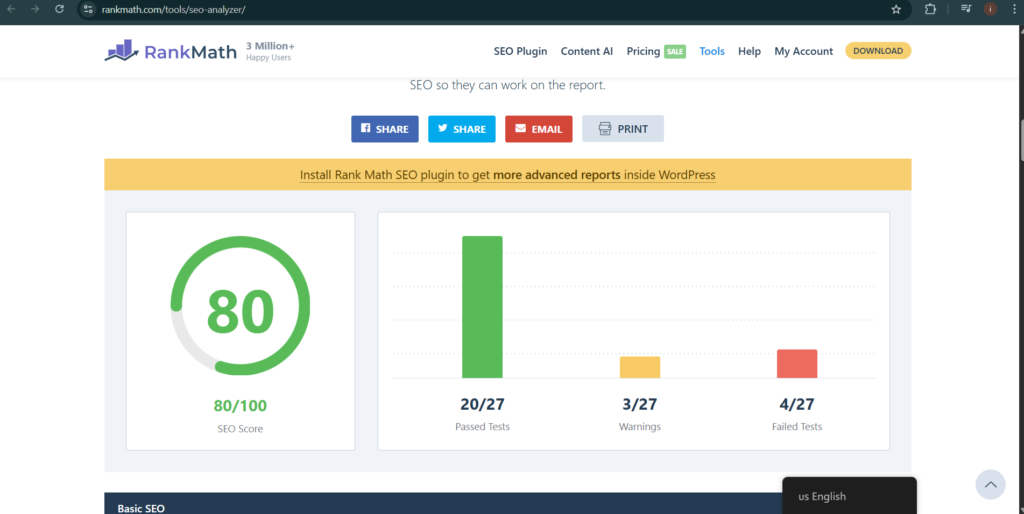
Download RankMaths SEO for free here
2. Security Plugins
Security is non-negotiable. WordPress sites are common targets for attacks.
Wordfence Security
Best for: Real-time protection and firewall security.
Key Features:
- Web Application Firewall (WAF)
- Malware scanner
- Login attempt limiter
- Real-time threat defense feed
Benefits:
- Protects against hacking attempts
- Blocks suspicious IP addresses
- Sends email security alerts
Compatibility Notes:
Compatible with most hosting providers.
3. Performance & Speed Optimization Plugins
Speed affects user experience and SEO rankings.
✅ WP Rocket (Premium) / W3 Total Cache (Free Alternative)
Best for: Caching and performance optimization.
Key Features:
- Page caching
- Browser caching
- File minification
- Lazy loading
Benefits:
- Improves page load times
- Reduces server load
Boosts Core Web Vitals

4. Backup Plugins
Always protect your data before something goes wrong.
UpdraftPlus
Best for: Automated backups and easy restoration.
Key Features:
- Scheduled backups
- Cloud storage integration (Google Drive, Dropbox)
- One-click restore
- Database and file backups
Benefits:
- Prevents permanent data loss
- Quick recovery after crashes or hacks
Compatibility Notes:
Works with most shared and managed hosting services.
5. Page Builder & Design Plugins
Beginners often want drag-and-drop design flexibility.
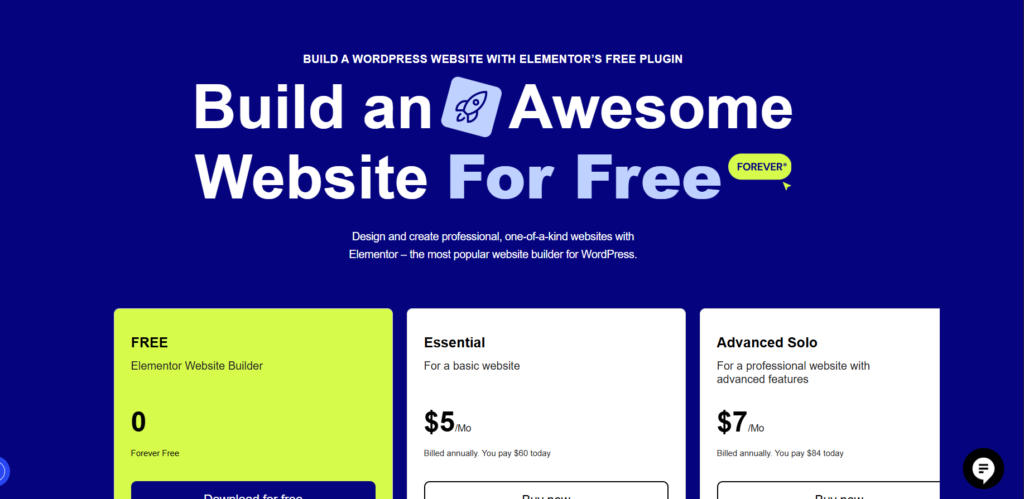
Elementor
Best for: Visual website building without coding.
Key Features:
- Drag-and-drop editor
- Pre-designed templates
- Responsive controls
Custom headers and footers (Pro version)
Benefits:
- No coding required
- Speeds up website design
Highly beginner-friendly
6. Contact Form Plugins
Every website needs a way for visitors to get in touch.
WPForms
Best for: Simple and professional contact forms.
Key Features:
- Drag-and-drop form builder
- Pre-built templates
- Spam protection
- Email notifications
Benefits:
- Increases user engagement
Collects leads efficiently
7. Image Optimization Plugins
Large images slow down websites.
✅ Smush
Best for: Automatic image compression.
Key Features:
- Bulk image compression
- Lazy load
- Resize large images
- Lossless optimization
Benefits:
- Faster loading pages
- Better SEO performance
Best Practices When Installing WordPress Plugins
To maintain performance and security:
- Install plugins only from trusted sources
- Keep plugins updated
- Delete unused plugins
- Please don’t just install multiple plugins serving the same purpose.
Test compatibility before major updates
- How to Backup WordPress Website: Complete Step-by-Step Guide for Beginners (2026)
- How to Reset a WordPress Website and Start All Over (Complete Beginner Guide)
- WordPress Wonders: Beginner Tutorials to Build Stunning Websites
- How to Install Elementor on WordPress (Beginner’s Step-by-Step Guide)
- How to Install WordPress on cPanel (Step-by-step Beginner-Friendly)
- Web Design Training
Summary
Choosing the essential WordPress plugins every beginner needs is about balance. You don’t need 40 plugins; you need the right 7–10 core tools.
Start with:
- Rank Math (SEO)
- Wordfence (Security)
- WP Rocket or W3 Total Cache (Performance)
- UpdraftPlus (Backups)
- Elementor (Design)
- WPForms (Contact Forms)
- Smush (Image Optimization)
Install strategically, monitor performance, and update regularly.
Call to Action
Ready to improve your WordPress website?
✔ Install these essential plugins today
✔ Optimize your website step by step
✔ Subscribe to our newsletter for weekly WordPress tips
Building a powerful WordPress website doesn’t require advanced technical skills, just the right tools.