

Choosing the best WordPress theme for beginners can feel overwhelming. With thousands of free and premium themes available, how do you know which one is right for your website?
If you’re just starting out, the wrong theme can slow down your site, limit customization, and make design frustrating. The right theme, however, makes your website look professional, load quickly, and grow with your needs.
In this beginner-friendly guide, you’ll learn:
- What makes a theme beginner-friendly
- Key features to look for
- Common mistakes to avoid
- How to evaluate theme performance
- FAQs about selecting a WordPress theme
By the end, you’ll confidently choose the best WordPress theme for beginners that fits your goals and technical skill level.
WATCH FULL VIDEO
Getting Started With the WordPress Dashboard (Beginner’s Guide)
How to Install a Theme on WordPress (Step-by-Step Guide)
Why Choosing the Right WordPress Theme Matters
Your WordPress theme controls:
- Website design and layout
- Speed and performance
- Mobile responsiveness
- User experience
- SEO structure
A poorly coded theme can hurt rankings and increase bounce rates. A well-optimized theme helps search engines crawl your site efficiently while offering visitors a smooth experience.
For beginners, simplicity and flexibility are key.
How to Install Elementor on WordPress (Beginner’s Step-by-Step Guide)
What Makes the Best WordPress Theme for Beginners?
Not all themes are created equal. The best WordPress theme for beginners should include the following characteristics:
1. Easy Setup and User-Friendly Interface
Look for themes that:
- Offer one-click demo import
- Work smoothly with the WordPress Customizer
- Don’t require coding knowledge
Themes like Astra, OceanWP, and GeneratePress are often recommended for beginners because of their simplicity and flexibility.
2. Responsive and Mobile-Friendly Design
More than half of website traffic comes from mobile devices.
A beginner-friendly theme must:
- Automatically adjust to screen sizes
- Pass Google’s mobile-friendly test
- Maintain fast loading on smartphones
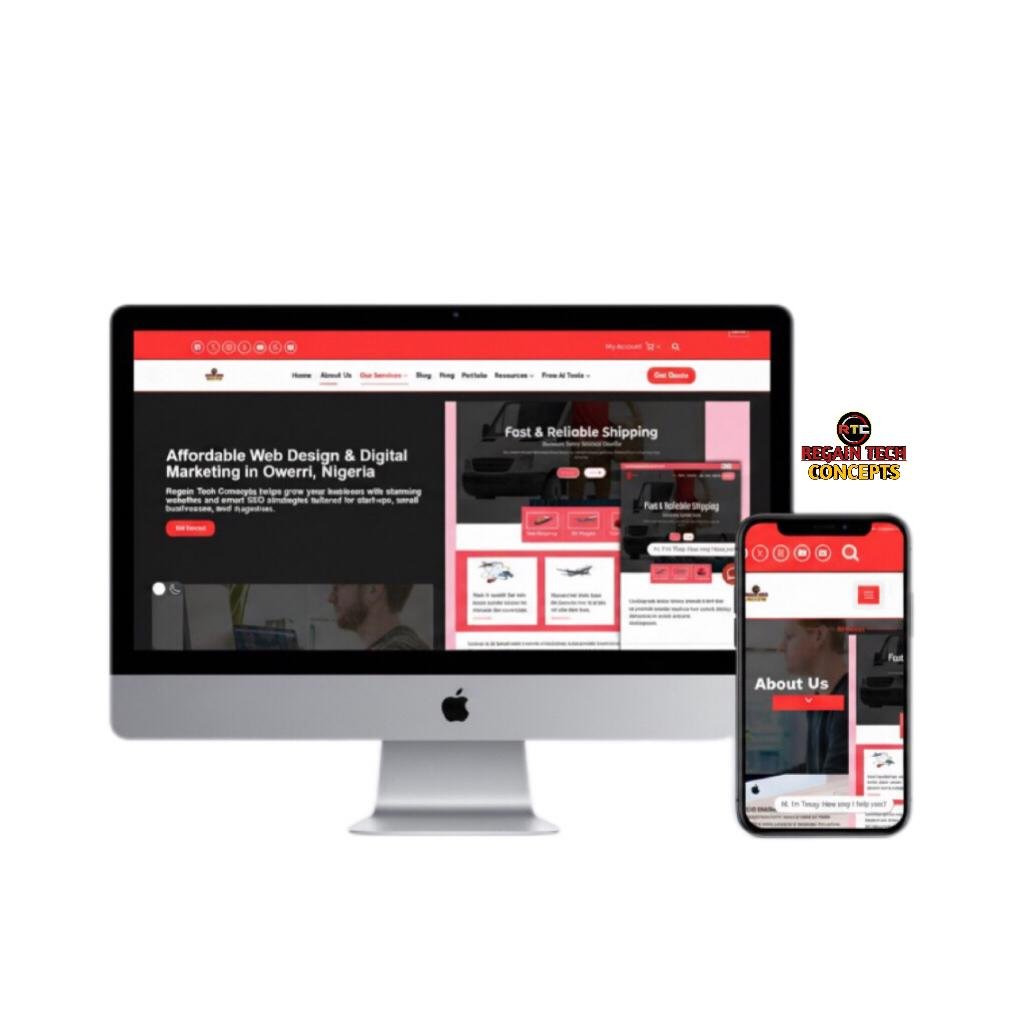
3. Speed and Performance Optimization
Website speed impacts:
- User experience
- SEO ranking
- Conversion rates
Choose lightweight themes that:
- Avoid unnecessary scripts
- Load minimal CSS
- Are compatible with caching plugins
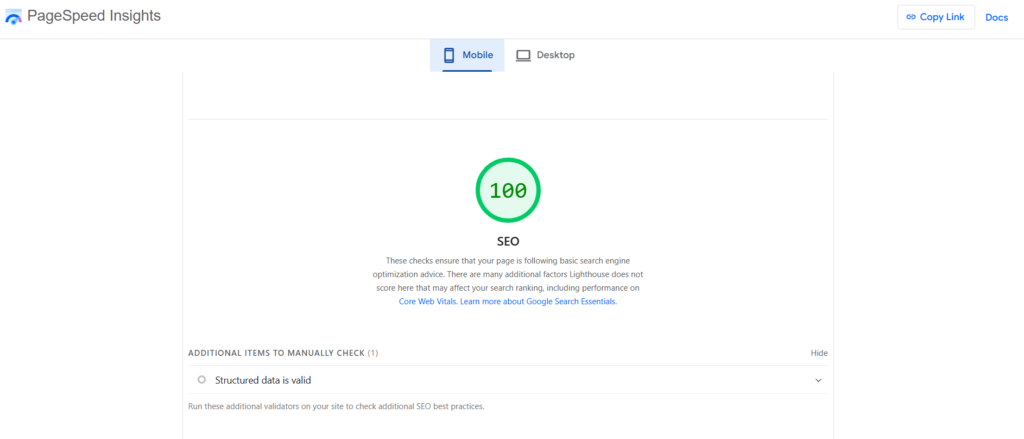
4. Customization Options Without Coding
The best WordPress theme for beginners should allow easy customization.
Look for:
- Drag-and-drop builder compatibility
- Header and footer customization
- Typography and color controls
- Layout options
A good beginner theme should help you design pages visually without editing code.
5. Compatibility with Popular Plugins
Your theme should work seamlessly with:
- SEO plugins
- Security plugins
- Contact form plugins
- eCommerce tools like WooCommerce
If your theme conflicts with essential plugins, your site may break or lose functionality.
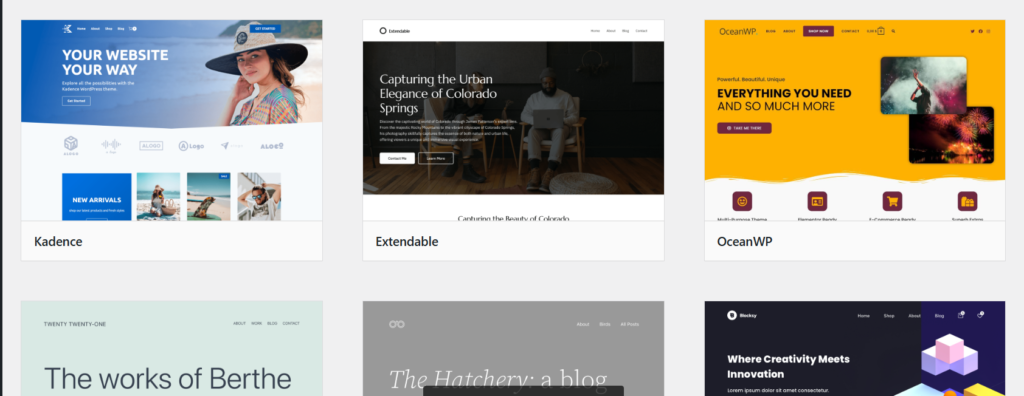
Free vs Premium: Which Is Better for Beginners?
Free Themes
Pros:
- No upfront cost
- Available in the WordPress repository
- Safe and reviewed
Cons:
- Limited features
- Basic customization
Premium Themes
Pros:
- Advanced customization
- Better support
- Frequent updates
Cons:
- Cost involved
For beginners, starting with a well-rated free theme is often enough. Upgrade later as your site grows.
How to Evaluate a WordPress Theme Before Installing
Before selecting the best WordPress theme for beginners, follow this checklist:
✔ Check user ratings and reviews
✔ Look at last update date
✔ Test demo version
✔ Review documentation quality
✔ Confirm plugin compatibility
✔ Test mobile responsiveness
Avoid themes that haven’t been updated in over 6 months.
Common Mistakes Beginners Make When Choosing a Theme
- Choosing Based Only on Design
A theme may look beautiful, but it may perform poorly.
2. Ignoring Speed Optimization
Heavy themes slow down your website.
3. Installing Too Many Multipurpose Features
Beginners often choose overly complex themes packed with features they don’t need.
4. Not Checking Support Availability
Reliable support is crucial if you encounter issues.
Best Theme Features for Different Website Types
Blog
- Clean typography
- Minimal layout
- Fast loading
Business Website
- Homepage sections
- Call-to-action areas
- Professional layout
Online Store
- WooCommerce compatibility
- Product page templates
- Secure checkout design
Matching theme features to your website purpose is essential when selecting the best WordPress theme for beginners.
How to Design Header and Footer Using Kadence Theme
Transforming Ideas into Beautiful Designs
Contact us today for a free consultation or quote.
FAQ: Best WordPress Theme for Beginners
What is the best WordPress theme for beginners?
The best WordPress theme for beginners is lightweight, easy to customize, responsive, and compatible with popular plugins. Astra, GeneratePress, and OceanWP are widely recommended options.
Should beginners use free or premium themes?
Beginners can start with a free theme. Premium themes offer more flexibility and support but aren’t required initially.
How important is theme speed?
Very important. A slow theme negatively affects SEO and user experience.
Can I change my WordPress theme later?
Yes, but changing themes may affect layout and design. Always back up your website before switching.
Does theme choice affect SEO?
Yes. Clean code, fast loading speed, and mobile responsiveness directly impact SEO performance.
Selecting the best WordPress theme for beginners doesn’t have to be complicated. Focus on:
- Simplicity
- Speed
- Responsiveness
- Plugin compatibility
- Long-term flexibility
Avoid overly complex designs and prioritize performance. A well-chosen theme lays the foundation for your website’s success, SEO rankings, and user experience.
Start with a lightweight, beginner-friendly theme, customize it gradually, and scale as your website grows.



[…] Best WordPress Theme for Beginners: Complete Guide to Choosing the Right One (2026) […]