Starting your first website can feel overwhelming. You may not know how to code, where to host your site, or how to design it professionally.
The good news? You don’t need technical experience to get started.
In this comprehensive guide to the best free website builders for beginners, you’ll discover platforms that allow you to create stunning websites without coding. We’ll compare usability, SEO features, customization options, scalability, and pricing upgrades so you can confidently choose the right platform.
Whether you’re building a personal blog, portfolio, small business website, or landing page, this guide will help you launch successfully.
Prefer Watching: Here’s the Full Video Tutorial
What to Look for in the Best Free Website Builders for Beginners
Before diving into the list, let’s define what makes a website builder beginner-friendly.
The best free website builders for beginners should offer:
- Drag-and-drop functionality
- Mobile responsiveness
- Built-in SEO tools
- Free hosting options
- Templates and design flexibility
- Easy upgrades as your site grows
- Reliable customer support
Now let’s explore the top platforms.
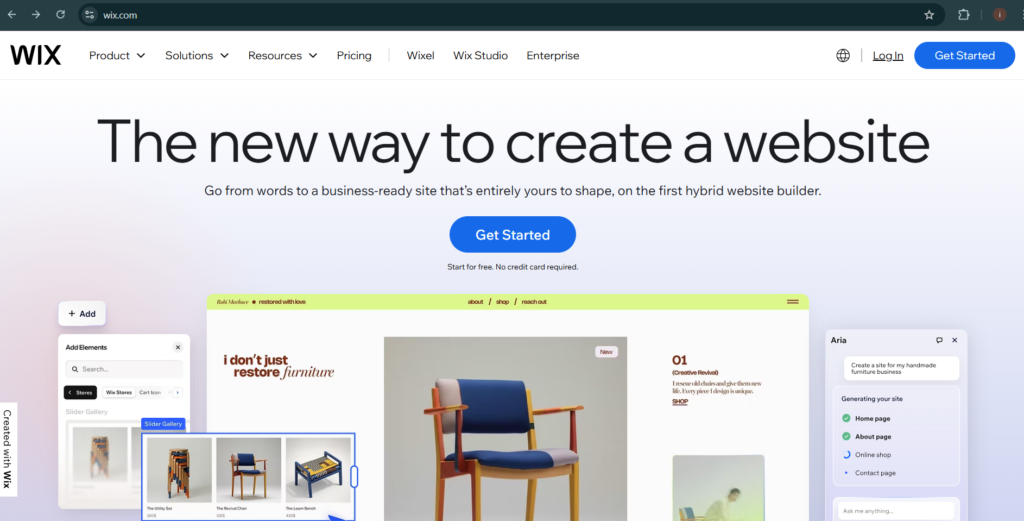
1. Wix – Best All-Around Free Website Builder
Wix consistently ranks among the best free website builders for beginners because of its intuitive interface and flexibility.
Key Features:
- Drag-and-drop editor
- 900+ customizable templates
- Built-in SEO tools
- App marketplace
- Free hosting
Pros:
- Extremely beginner-friendly
- No coding required
- Fast setup
- Visual design freedom
Cons:
- Free plan shows Wix branding
- Limited storage on free version
Best For:
Small business owners, bloggers, creatives.
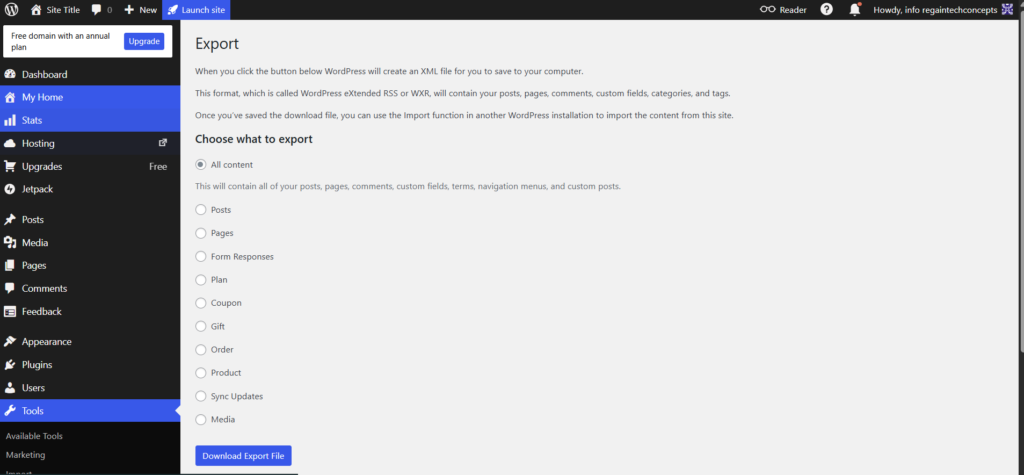
2. WordPress.com – Best for Blogging Beginners
WordPress.com offers a simplified version of WordPress ideal for beginners.
Key Features:
- Pre-designed themes
- Built-in blogging tools
- SEO-friendly structure
- Free SSL certificate
Pros:
- Strong content management system
- Easy publishing
- Scalable to premium plans
Cons:
- Limited customization on free plan
- Ads displayed on free version
Best For:
Bloggers and content creators.
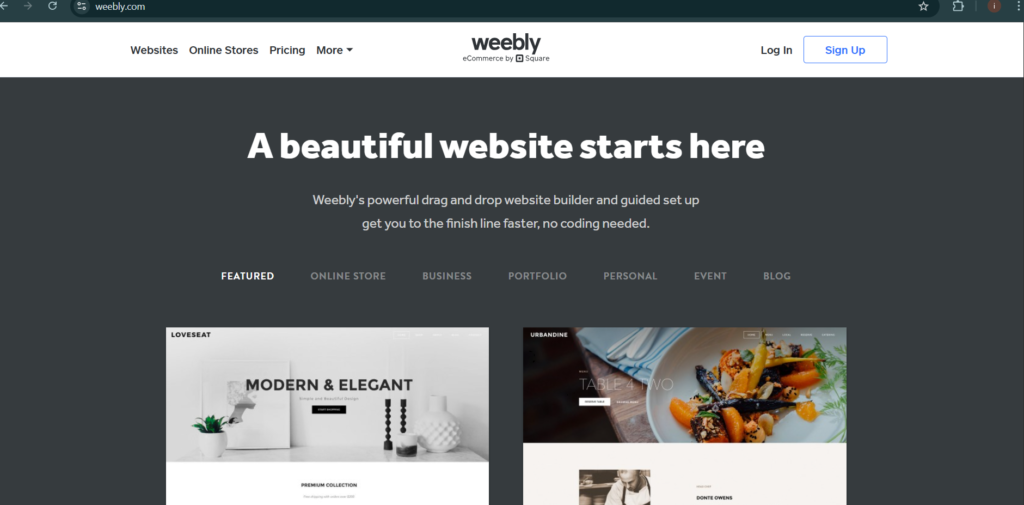
3. Weebly – Best for Simple Business Websites
Weebly is known for its clean interface and ease of use.
Key Features:
- Drag-and-drop builder
- Basic eCommerce support
- Mobile-responsive templates
- Integrated SEO settings
Pros:
- Simple navigation
- Beginner-friendly dashboard
- Free SSL security
Cons:
- Limited design flexibility
- Fewer templates compared to competitors
Best For:
Local businesses and basic service websites.
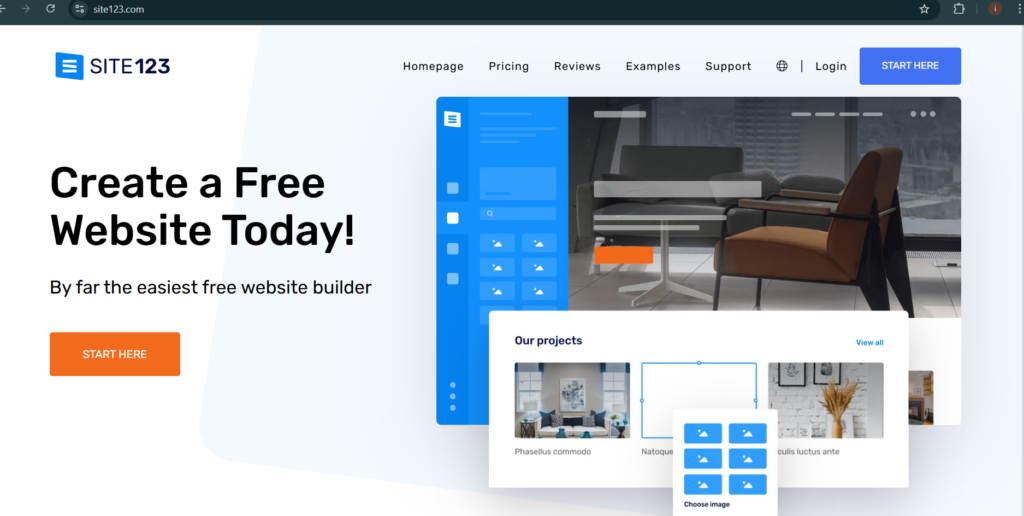
4. SITE123 – Best for Speed and Simplicity
SITE123 focuses on simplicity rather than customization.
Key Features:
- Guided website setup
- Responsive templates
- Free hosting
- Basic SEO tools
Pros:
- Fastest setup process
- Minimal learning curve
Cons:
- Limited design control
- Fewer advanced features
Best For:
Beginners who want a website online quickly.
5. Google Sites – Best for Personal Projects
Google Sites is completely free and integrates with Google Workspace.
Key Features:
- Simple page builder
- Google Drive integration
- Secure hosting
Pros:
- 100% free
- Easy sharing
- No hosting setup required
Cons:
- Very limited design options
- Minimal SEO flexibility
Best For:
Students, internal business pages, personal projects.
Free vs Paid: What Beginners Should Know
Most free website builders come with:
- Platform branding
- Limited storage
- Basic SEO tools
- Subdomain URLs
If you want:
- Custom domain
- No ads
- Advanced analytics
- Better SEO control
You’ll eventually need a paid plan.
However, starting free is a smart way to test your idea before investing.
SEO Considerations for Website Builders
Choosing from the best free website builders for beginners requires evaluating SEO capabilities.
Look for:
- Editable meta titles and descriptions
- Custom URL slugs
- Image ALT text editing
- XML sitemap generation
- Mobile optimization
- Fast page loading
Platforms like Wix and WordPress.com provide better SEO flexibility than basic builders.
- How to install Rank Math SEO Plugin & Setup
- Essential WordPress Plugins Every Beginner Needs (Complete 2026 Guide)
- Benefits of WordPress Web Design for Beginners (Complete 2026 Guide)
- How to Choose the Best WordPress Hosting for Beginners (Complete 2026 Guide)
- Best WordPress Theme for Beginners: Complete Guide to Choosing the Right One (2026)
- How to Backup WordPress Website: Complete Step-by-Step Guide for Beginners (2026)
How Website Builders Affect Google Rankings
Website builders impact SEO through:
1. Page Speed
Slow-loading websites reduce rankings.
2. Mobile Responsiveness
Google prioritizes mobile-first indexing.
3. Site Structure
Clear navigation improves crawlability.
4. SSL Security
HTTPS is a ranking factor.
Choosing the right platform ensures long-term visibility.
Beginner Checklist Before Choosing
Ask yourself:✔ Do I need blogging functionality?
✔ Will I sell products?
✔ Do I want full design control?
✔ Will I upgrade later?
✔ Is SEO important for my niche?
Answering these helps you choose wisely.
Do you need a professional website for your big or small business? Contact Regain Tech Concepts
Which Is the Best Free Website Builder for Beginners?
If you want maximum design flexibility → Wix
If you want blogging focus → WordPress.com
If you want simplicity → SITE123
If you want full control later, → Consider migrating to self-hosted WordPress
The best free website builders for beginners depend on your goals, but starting simple and upgrading strategically is the smartest path.
Conclusion
Choosing the best free website builders for beginners doesn’t require technical expertise — just clarity about your goals.
Start with:
- Ease of use
- Built-in SEO features
- Mobile optimization
- Upgrade flexibility
As your confidence grows, you can expand functionality and scale your website professionally.
Ready to build your first website?
👉 Choose one of the builders above and launch today.
📩 Subscribe for weekly website growth tips.
📥 Download our free comparison checklist.
Your online journey starts now. Build smart, grow fast, and stay optimized.
Table of Contents
Pages
Posts
- How to Turn a Smartphone Into a Full-Time Income Machine: Step-by-Step Guide.
- Essential WordPress Security Tips to Protect Your Website Effectively
- How to build your first website using Elementskit for free
- WordPress Posts vs Pages: What’s the Difference and When to Use Each
- How to Write Your First WordPress Blog Post (Step-by-Step Beginner Guide)