

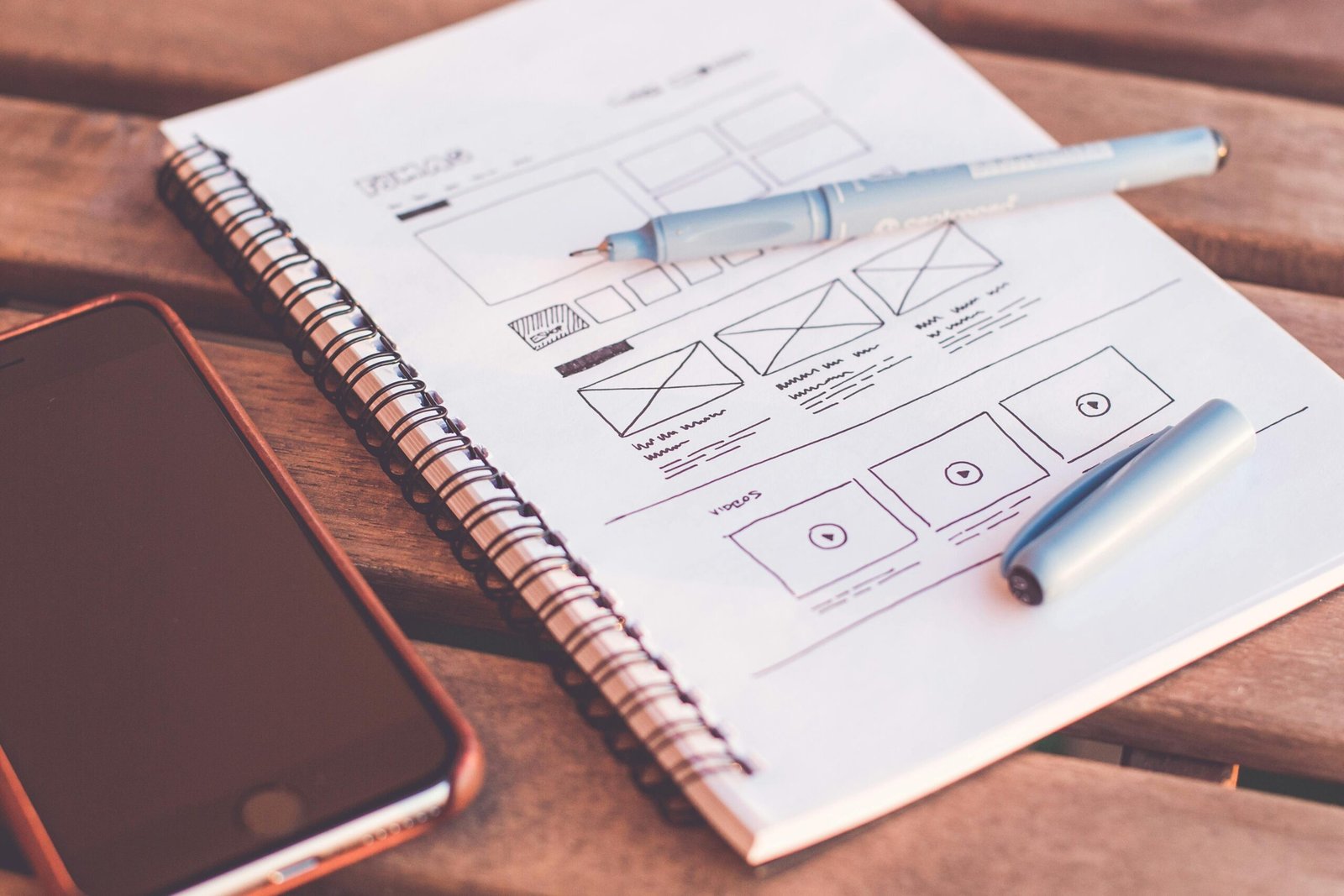
Web design is one of the most in-demand digital skills today. Businesses, creators, and entrepreneurs all need attractive and user-friendly websites to succeed online.
If you are new to this field, learning web design may feel overwhelming at first. There are tools, design rules, coding languages, and trends to be aware of. The good news is that learning web design step by step makes the process simple and achievable even for complete beginners.
Web design does not require a technical background. With the right roadmap, tools, and practice, anyone can learn how to design professional-looking websites.
In this beginner’s guide, you’ll learn exactly how to approach learning web design step by step, from understanding the basics to building real projects.
What Is Web Design?
Web design is the process of planning, creating, and maintaining websites. It focuses on how a website looks, feels, and functions for users.
Web design includes:
- Layout and structure
- Colors and typography
- User experience (UX)
- User interface (UI)
Web designers ensure websites are visually appealing, easy to navigate, and responsive on all devices.
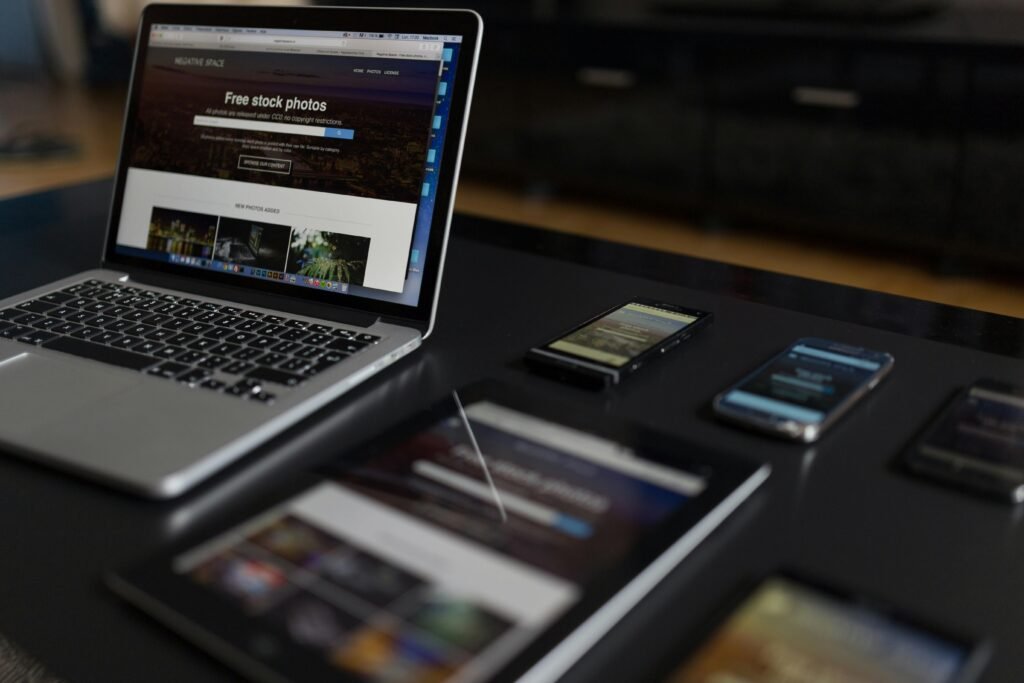
Why Learn Web Design as a Beginner?
Learning web design offers many benefits:
- High demand in the job market
- Freelancing and remote work opportunities
- Ability to create personal or business websites
Web design skills can also complement other digital skills such as blogging, digital marketing, and freelancing.
Learning Web Design Step by Step: Beginner Roadmap
Step 1: Learn the Basics of Design Principles
Before touching any design software, you need to understand basic design principles.
Key principles include:
- Color theory
- Typography
- White space
- Alignment and contrast
These fundamentals help you create clean and professional designs.
Step 2: Understand HTML and CSS
HTML and CSS are the building blocks of web design.
- HTML structures the content of a website
- CSS controls the layout, colors, and styles
You don’t need to become a coding expert, but basic knowledge is essential.
Step 3: Learn Responsive Design
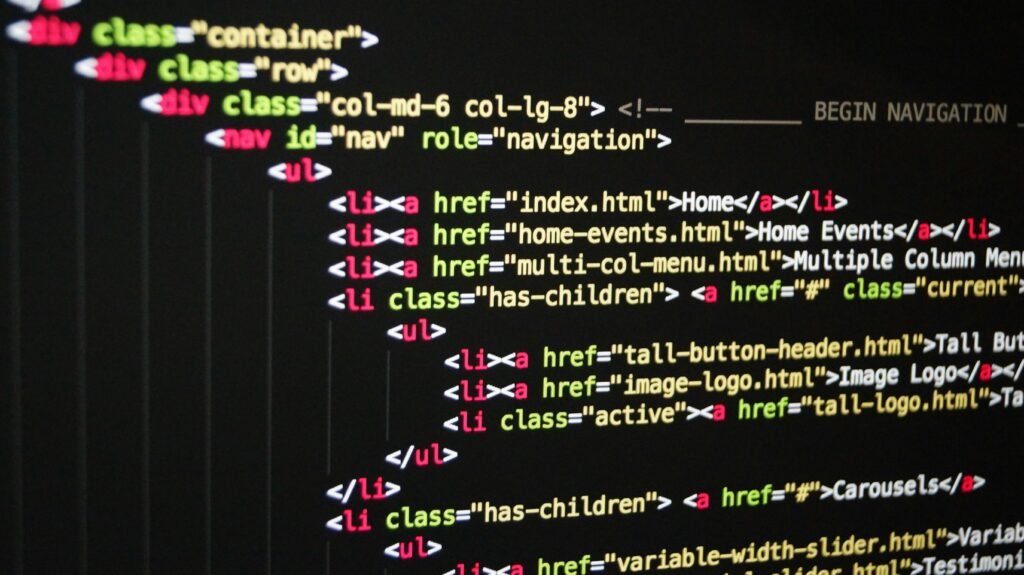
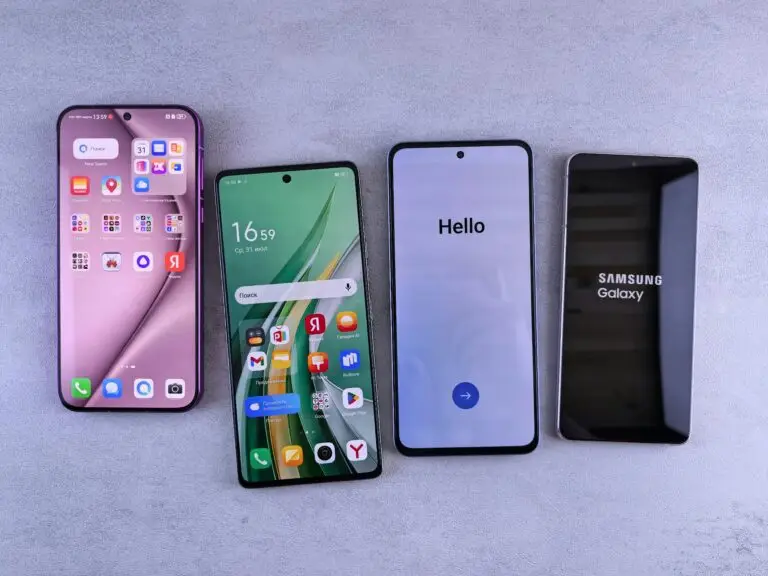
Responsive design ensures websites look good on desktops, tablets, and smartphones.
Important concepts include:
- Mobile-first design
- Flexible layouts
- Media queries
Responsive design is a must-have skill for modern web designers.
Step 4: Use Web Design Tools
Design tools help you create layouts and prototypes quickly.
Popular tools include:
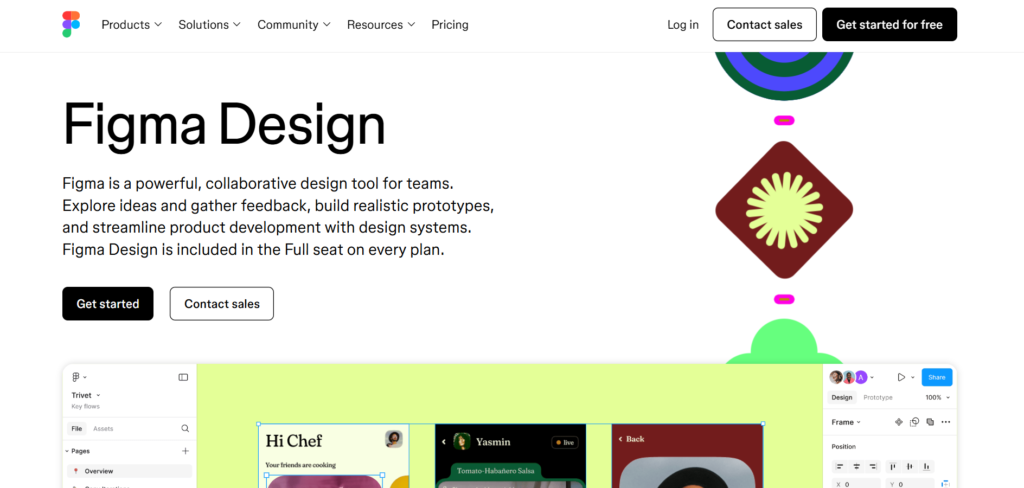
- Figma
- Adobe XD
- Canva (for beginners)
These tools allow you to design visually before turning designs into live websites.
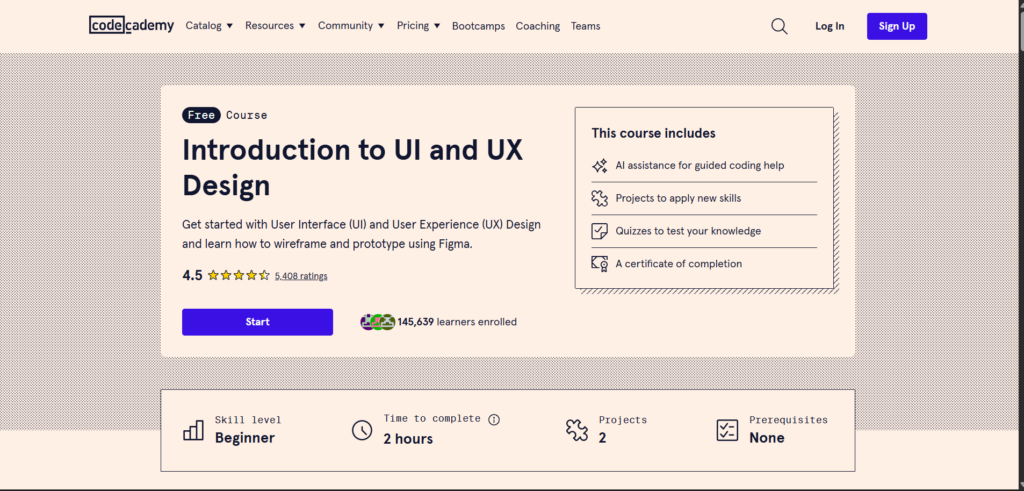
Step 5: Learn UX and UI Design Basics
User experience (UX) focuses on how users interact with a website, while user interface (UI) focuses on visual elements.
Key concepts:
- Easy navigation
- Clear call-to-action buttons
- User-friendly layouts
Effective UX/UI design enhances user satisfaction and boosts conversions.
Step 6: Practice by Building Real Projects
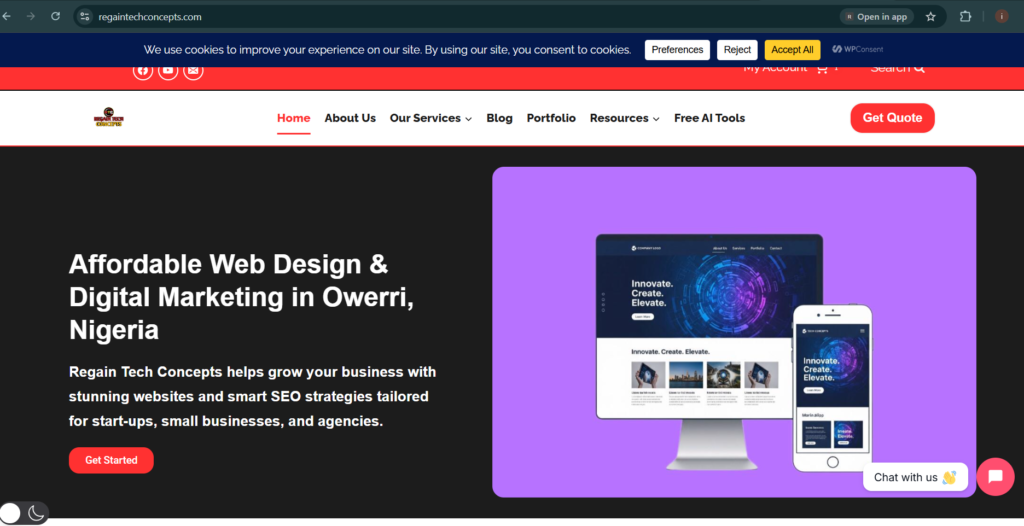
Practice is the most important part of learning web design step by step.
Start with:
- Personal portfolio websites
- Simple business websites
- Landing pages
Each project helps you improve and build confidence.
Step 7: Learn Website Builders and CMS
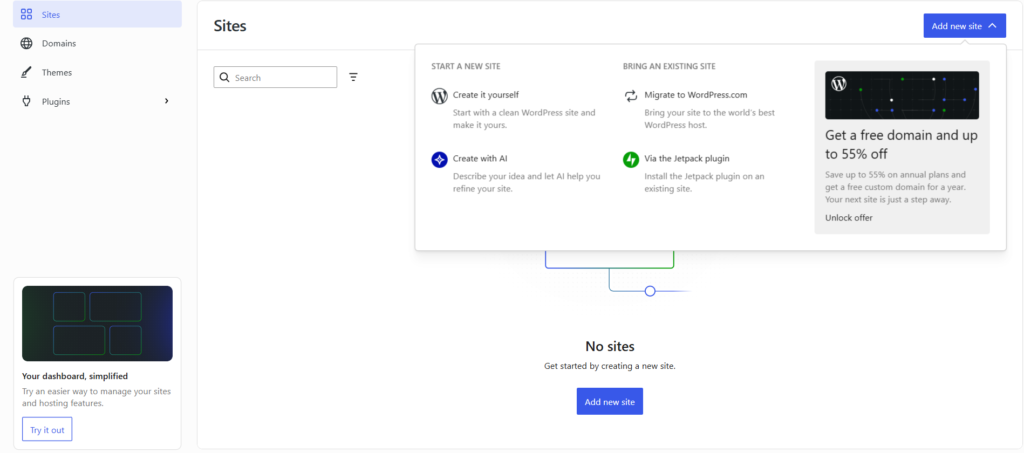
Many web designers use website builders and content management systems (CMS).
Popular platforms:
- WordPress
- Webflow
- Wix
These tools allow you to build websites without heavy coding.
How Long Does It Take to Learn Web Design?
For beginners:
- Basic skills: 1–2 months
- Intermediate skills: 3–6 months
- Professional level: 6–12 months
Consistency and practice play a major role in progress.
- Top Free Websites to Learn Digital Skills Online
- Best Digital Skills for Freelancers
- How to Start Freelancing With No Experience
- Udemy Free Course Coupons Updated Daily
Frequently Asked Questions (FAQ)
-
Can beginners learn web design without coding?
Yes. Beginners can start with visual design tools and website builders, but basic HTML and CSS knowledge is recommended.
-
Is web design a good career in 2026?
Yes. Web design remains in high demand due to growing online businesses and digital services.
-
What tools are best for beginners in web design?
Figma, Canva, WordPress, and basic HTML/CSS are great starting tools.
-
Can I learn web design online for free?
Yes. Many free platforms offer tutorials and courses for beginners.
Learning web design doesn’t have to be difficult. By following a clear roadmap and learning web design step by step, beginners can build strong foundations and grow into professional designers.
Start with the basics, practice regularly, and gradually improve your skills. With dedication and consistency, web design can become a valuable and rewarding digital skill.
Table of Contents
Quick Links
- How to Turn a Smartphone Into a Full-Time Income Machine: Step-by-Step Guide.
- Essential WordPress Security Tips to Protect Your Website Effectively
- How to build your first website using Elementskit for free
- WordPress Posts vs Pages: What’s the Difference and When to Use Each
- How to Write Your First WordPress Blog Post (Step-by-Step Beginner Guide)


[…] Beginner’s Guide to Learning Web Design Step by Step […]
[…] Beginner’s Guide to Learning Web Design Step by Step […]
[…] Beginner’s Guide to Learning Web Design Step by Step […]
[…] Beginner’s Guide to Learning Web Design Step by Step […]
[…] Beginner’s Guide to Learning Web Design Step by Step […]