

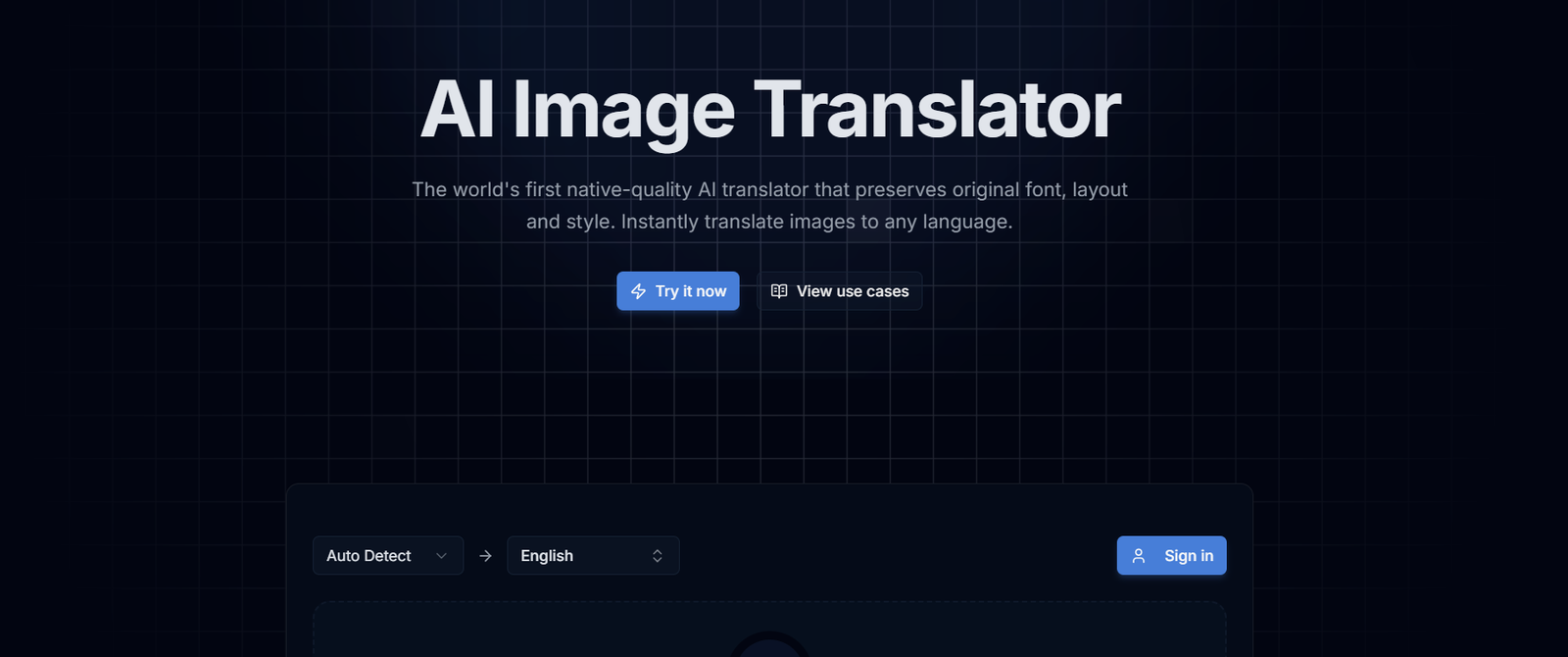
Have you ever taken a screenshot, photo, or scanned document and needed the text inside it? Or maybe you wanted to translate captions from an image into another language? Learning how to clean text from images & translate captions free can save you time, effort, and money.
Thanks to free OCR (Optical Character Recognition) tools, you can now extract text from images and translate it into any language without installing paid software. This guide will show you the best free tools, provide step-by-step instructions, and offer best practices for achievingaccurate results.
Watch the Video Tutorial
Prefer learning visually?
I’ve created a step-by-step video tutorial that shows how to Clean Text From Images & Translate Captions Free Complete Beginner Guide.
What Does “Clean Text From Images” Mean?
Cleaning text from images means extracting readable, editable text from image files, such as:
- Photos
- Screenshots
- Scanned documents
- Social media images
This process utilizes OCR technology, which converts image-based text into digital text.
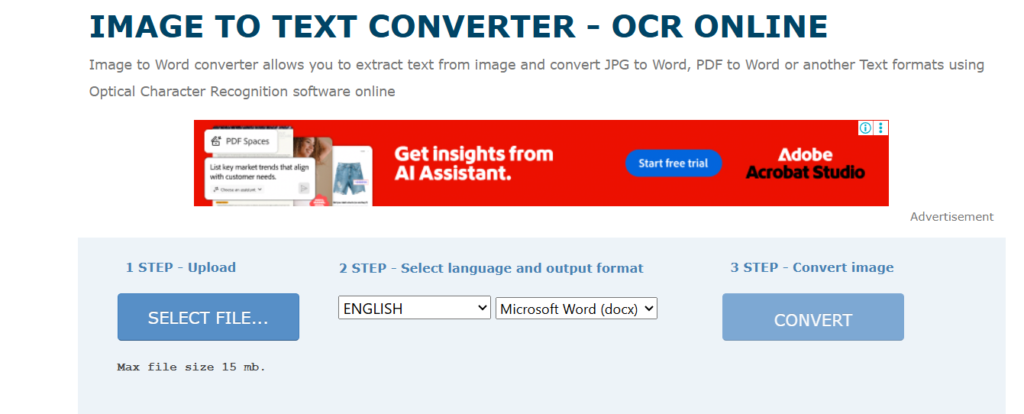
Why Extract and Translate Text From Images?
People use image text extraction and translation to:
- Translate foreign-language captions
- Copy text from screenshots
- Digitize printed documents
- Reuse text for blogs or research
- Understand images shared on social media.
Best Free Tools to Clean Text From Images
Here are reliable and free tools you can use:
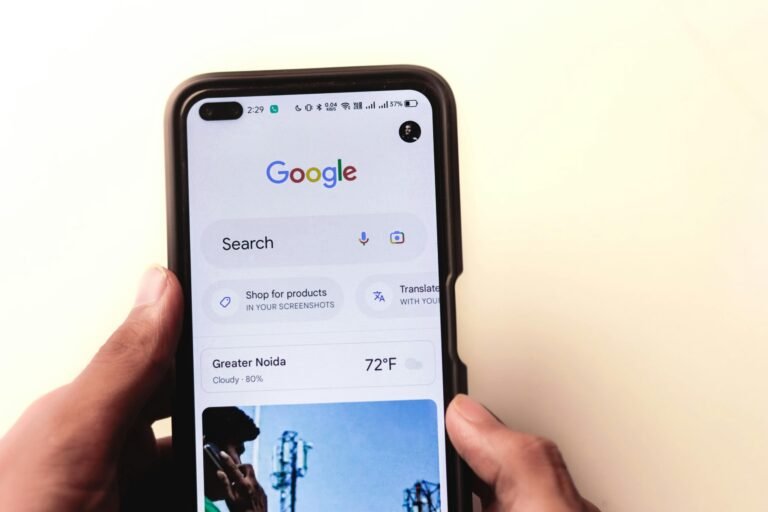
1. Google Lens
Google Lens is one of the most accurate free tools.
Features:
- Extracts text instantly
- Supports multiple languages
- Built-in translation
How to Use:
- Upload an image or open it with Google Lens
- Select text
- Copy or Translate
- How to Make Your Android Phone Faster Without Installing Apps (Proven Tips)
- How to Run Ads with Meta Ads Manager for Leads & Traffic
- How to Register Your Business on Google Maps Using a Smartphone (Free Step-by-Step Guide)
2. Google Drive OCR
Google Drive allows free OCR for images and PDFs.
Steps:
- Upload image to Google Drive
- Right-click → Open with Google Docs
- Extracted text appears automatically.
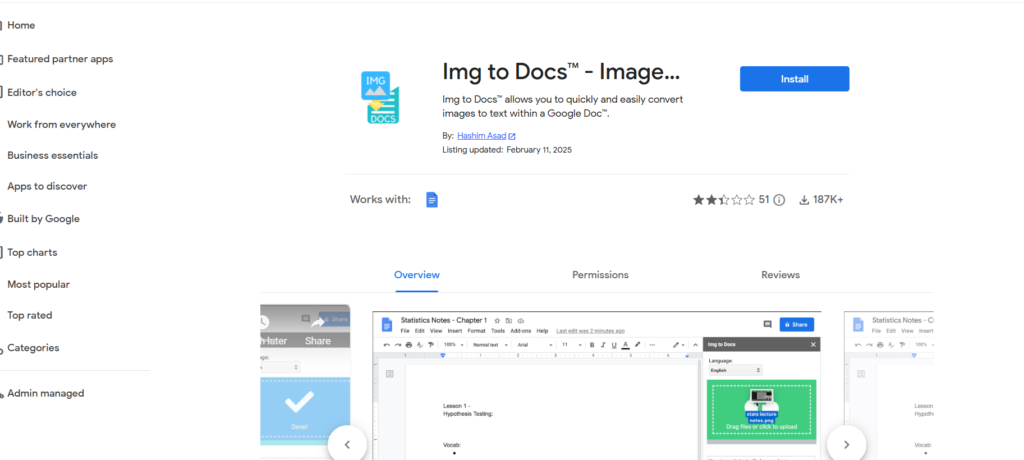
3. Online OCR Tools
Popular free OCR websites include:
- OnlineOCR
- i2OCR
- OCR.Space
⚠️ Always avoid uploading sensitive documents.
How to Clean Text From Images (Step-by-Step)
Step 1: Choose a Clear Image
For best results:
- Use high-resolution images
- Avoid blurry or dark photos
- Ensure text is straight
Step 2: Upload Image to OCR Tool
Upload your image to a free OCR tool like Google Lens or OCR.Space.
Step 3: Extract and Copy Text
Once processed:
- Select the extracted text
- Copy it into a document or editor
Step 4: Clean the Extracted Text
OCR text may contain:
- Extra spaces
- Line breaks
- Incorrect characters
Manually edit to clean and format it properly.
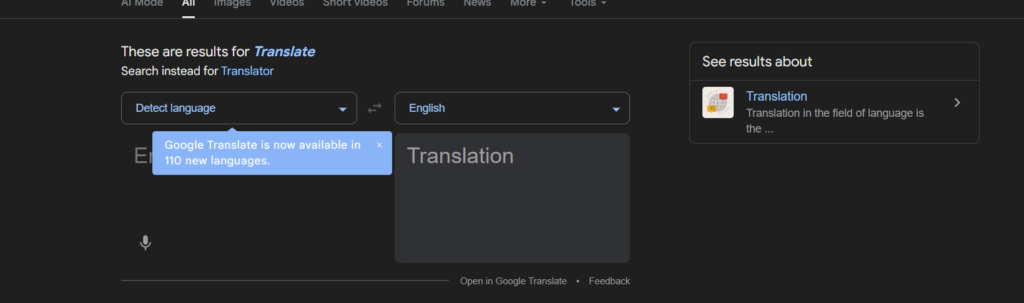
How to Translate Captions From Images Free
Method 1: Translate During Extraction
Tools like Google Lens allow you to:
- Extract text
- Translate instantly
- Copy translated text
Method 2: Translate After Extraction
- Copy extracted text
- Paste into Google Translate or DeepL
- Choose the target language
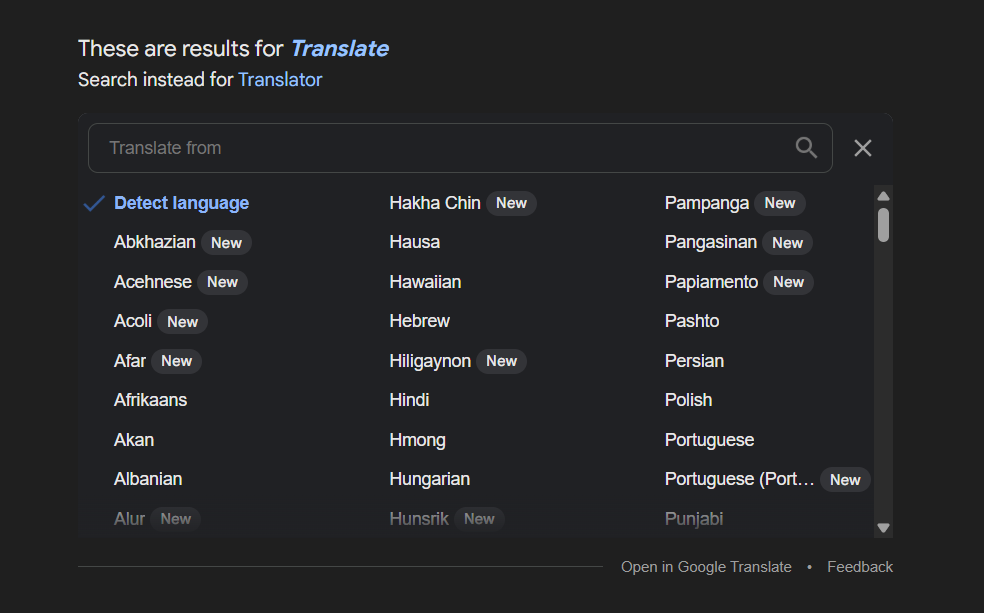
Supported Languages
Most free OCR and translation tools support:
- English
- French
- Arabic
- Germeny
- Chinese
- Hindi
Language support may vary by tool.
Tips for Better OCR Accuracy
✔ Use good lighting
✔ Avoid handwritten text
✔ Crop unnecessary areas
✔ Use standard fonts
✔ Proofread extracted text
Is It Legal to Extract Text From Images?
Yes, as long as:
- You own the image
- The content is copyright-free
- You’re using it for personal or educational purposes
Avoid reusing copyrighted text without permission.
Common Mistakes to Avoid
❌ Uploading blurry images
❌ Ignoring OCR errors
❌ Using unknown websites
❌ Uploading sensitive documents
SEO Benefits of Extracting Image Text
Extracted text helps:
- Repurpose content
- Improve accessibility
- Translate content globally
- Create multilingual blogs
FAQs
-
Can I extract text from images for free?
Yes. Many tools like Google Lens and Google Drive OCR are 100% free.
-
Can OCR tools read handwritten text?
Some can, but the accuracy is lower than printed text.
-
Is the internet required for OCR tools?
Yes, most free OCR tools work online.
-
Can I translate image captions into English?
Yes. Most tools support instant translation into English.
Learning how to clean text from images & translate captions free is an essential digital skill today. With free OCR and translation tools, you can extract, edit, and translate image text easily without spending money.
Whether you’re a student, content creator, or business owner, these tools help you work smarter and faster.
Table of Contents
Quick Links
- How to Turn a Smartphone Into a Full-Time Income Machine: Step-by-Step Guide.
- Essential WordPress Security Tips to Protect Your Website Effectively
- How to build your first website using Elementskit for free
- WordPress Posts vs Pages: What’s the Difference and When to Use Each
- How to Write Your First WordPress Blog Post (Step-by-Step Beginner Guide)


[…] How to Clean Text From Images & Translate Captions Free Complete Beginner Guide […]